
AI customer support pricing: models and hidden costs
 Communicate.so
AI customer support pricing compared: per-seat, per-resolution, credit, and flat-tier models, the hidden costs, and how to forecast spend.
TL;DR: AI customer support pricing is a question about the pricing model first and the sticker number second, because the model decides whether your bill grows with value or with punishment. Four shapes dominate the market: per-seat, per-resolution, credit-based, and flat-tier, and each hides its real cost in a different place. This guide compares the four honestly, names the costs that never reach the pricing page, shows how to forecast a full year of spend, and explains Communicate's credit-based model without dressing it up. If you want the raw cost-per-conversation math instead of the model comparison, the AI customer support cost guide covers that; this one is about choosing the shape that fits your operation.
Search for AI customer support pricing and you get a wall of monthly figures with no way to compare them. One vendor charges per agent seat, another per resolved conversation, a third sells credits, a fourth bundles everything into a flat tier, and the numbers are not measuring the same thing. By the time you have four quotes open in four tabs, you still cannot say which one will be cheaper at your volume next year.
The sticker price is the least useful number on the page. What decides your real spend is the pricing model, because the model determines how the bill moves when your traffic doubles, when the AI resolves more of the work, or when you add a teammate. Two tools with identical headline prices can differ by an order of magnitude twelve months in, purely on model shape.
This guide is written for the person who signs off on the tool: a founder, a support lead, or an ops owner comparing an AI support agent against a helpdesk add-on or an incumbent suite. It defines the four dominant models, shows what each one rewards and punishes, lists the hidden line items, and walks through forecasting your own spend. For the wider tool-selection frame, the AI customer support software buyer guide is the companion read, and this post links back to it where the two overlap.
What "AI customer support pricing" is really asking
Pricing is not a property of the tool, it is a relationship between how the tool bills and how your support operation works. A model that looks cheap for a five-person team deflecting FAQ traffic can be the most expensive option for a team that wants the AI to resolve the bulk of volume. So the first move is not to sort quotes by headline price, it is to understand what each model is actually charging you for.
The reason this matters more every year is that the shape of support work is changing under the pricing models built for it. Gartner has projected that by 2029, agentic AI will autonomously resolve 80% of common customer service issues without human intervention (Gartner). A model that bills per human seat was designed for a world where humans did all the resolving, and it ages badly as the AI takes over the volume.
There is a second reason to read the model rather than the number. A pricing page is a sales document, and the model is where the vendor decides which costs are visible and which are buried in an add-on line. Reading the model out loud, in plain language, is how you surface the cost the page would rather you find after you have committed.
Keep the cost guide and the pricing guide separate in your head. The AI customer support cost guide answers what a single conversation actually costs to run and where the crossover against human support sits. This guide answers a different question: which billing model should you buy, and how do you forecast a year of spend under it.
You need both, and they do not overlap.
The four pricing models, side by side
 Communicate.so
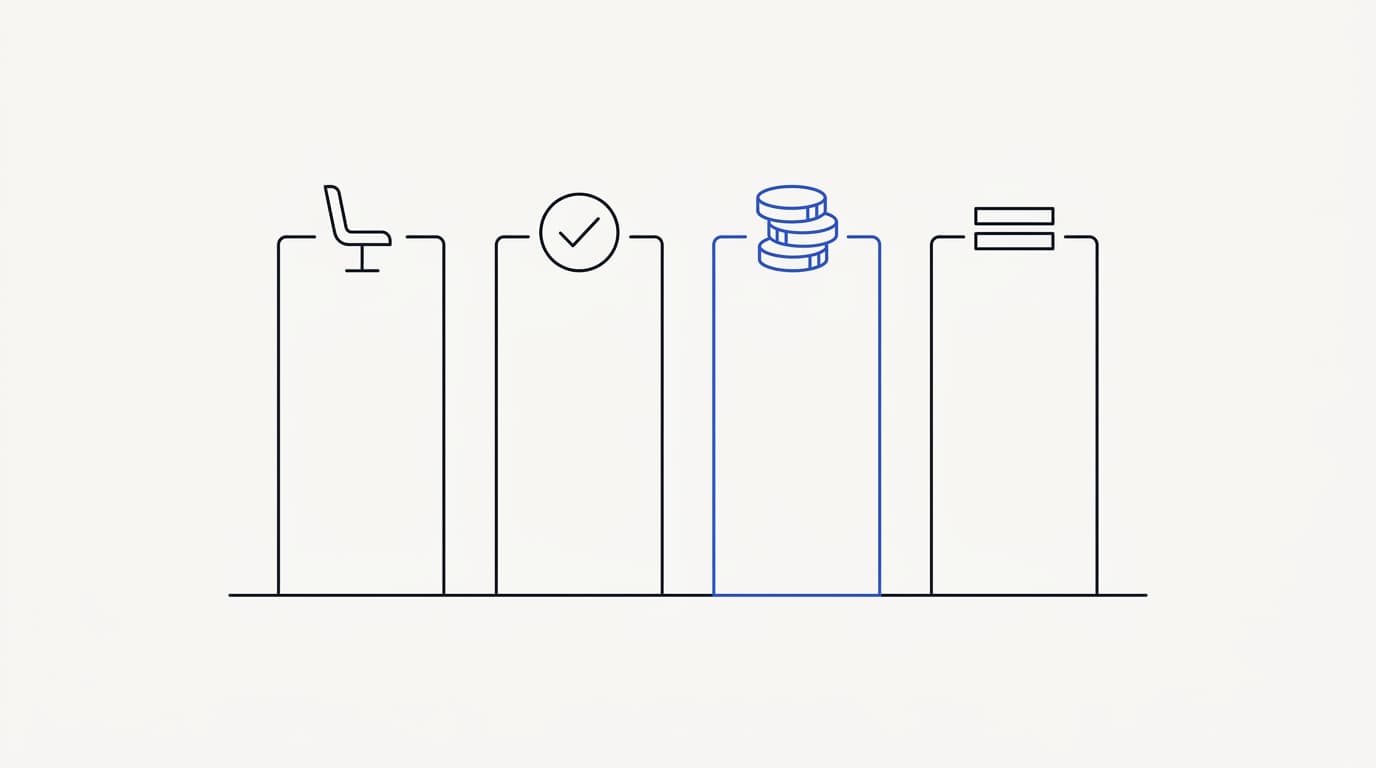
Almost every AI support tool prices on one of four models, or a blend of them. Naming the four cleanly is most of the work, because once you can place a quote into its model, you know where to look for the hidden cost. Here is the short version before the detailed breakdowns below.
Per-seat pricing charges for each human agent who logs in. Per-resolution pricing charges for each conversation the AI closes. Credit-based pricing charges for usage in units you buy up front and draw down as the agent works.
Flat-tier pricing bundles a capped amount of everything into a fixed monthly price with overage rules underneath.
None of the four is dishonest by nature, and each is genuinely the best fit for some team. The mistake is comparing headline prices across models as if they measure the same thing. The table below sets the four against the properties that actually move your bill, and the sections after it walk each one in turn.
For the tool-by-tool version of this framing, see the AI customer support software buyer guide.
| Pricing model | Aligns cost with value | Predictable a year out | Punishes growth | Main hidden cost |
|---|---|---|---|---|
| Per human seat | ✗ | ✓ | ✓ | Seats the AI made redundant |
| Per resolution | ✓ | ✗ | ✗ | Bills spike during traffic surges |
| Credit-based | ✓ | ✓ | ✗ | You must know your own volume |
| Flat tier | ✗ | ✓ (until the cap) | ✓ | Overage rates above the ceiling |
Read that table as a map, not a verdict, because a real quote can behave better or worse than its model archetype. A per-resolution tool with a generous cap can be steadier than the row suggests, and a credit plan with opaque unit costs can be harder to forecast than it looks. The point is to know which model you are holding before you argue about the number.
Per-seat pricing: what it rewards and what it punishes
Per-seat pricing charges for humans, which is exactly backwards for AI-first support. The model was built for the helpdesk era, when the cost of support scaled with the number of agents answering tickets. It is clean, easy to forecast, and every finance team already understands it, which is why it persists.
The reward is predictability. You know your seat count, you multiply by the per-seat rate, and you have next year's number with almost no modeling. For a team where humans still do most of the resolving, per-seat pricing maps cost to value reasonably well, because the seats are the thing producing the outcome.
The punishment shows up the moment the AI starts carrying volume. If the agent resolves most conversations, you are paying a per-seat rate for humans who are increasingly supervising rather than answering, so the cost stays flat while the human workload shrinks. That is paying human-era prices for an AI-era workload, and it is the single most common trigger for teams going looking for an alternative.
Watch two specific traps inside per-seat pricing. The first is per-seat tiers that gate the AI features you actually want behind the most expensive plan, so the seat price is only half the real cost. The second is minimum seat counts that force you to buy five seats when you have three agents, which quietly inflates the effective rate on a small team.
Per-resolution pricing: aligned but volatile
Per-resolution pricing charges for each conversation the AI closes, which aligns cost with value beautifully and forecasts terribly. When the AI resolves a ticket, you pay; when it does not, you do not. On paper this is the fairest model in the category, because you are buying outcomes rather than logins.
The reward is genuine alignment. You never pay for capacity you did not use, and a slow month costs less than a busy one, which feels right. For a team with steady, predictable traffic, per-resolution pricing can be both fair and easy to live with.
The punishment is volatility, and it lands at the worst possible time. A product outage, a viral complaint, or a pricing change can double your conversation volume overnight, and a per-resolution model doubles your bill in the same week your revenue may be under pressure. Volume and spend spiking together is the structural risk, and it is why teams watch their analytics nervously during a surge under this model.
There is a definitional trap too: what counts as a resolution. Some tools count any conversation the AI touched, even one it got wrong and the customer abandoned, which inflates the count you are billed on. Customers who have to repeat themselves after a bad AI answer are a real cost, not a resolution: Zendesk's 2024 CX Trends research found 74% rank having to repeat information among their biggest annoyances (Zendesk).
Ask exactly how a resolution is defined before you accept the model.
Credit-based pricing: predictable if you know your volume
 Communicate.so
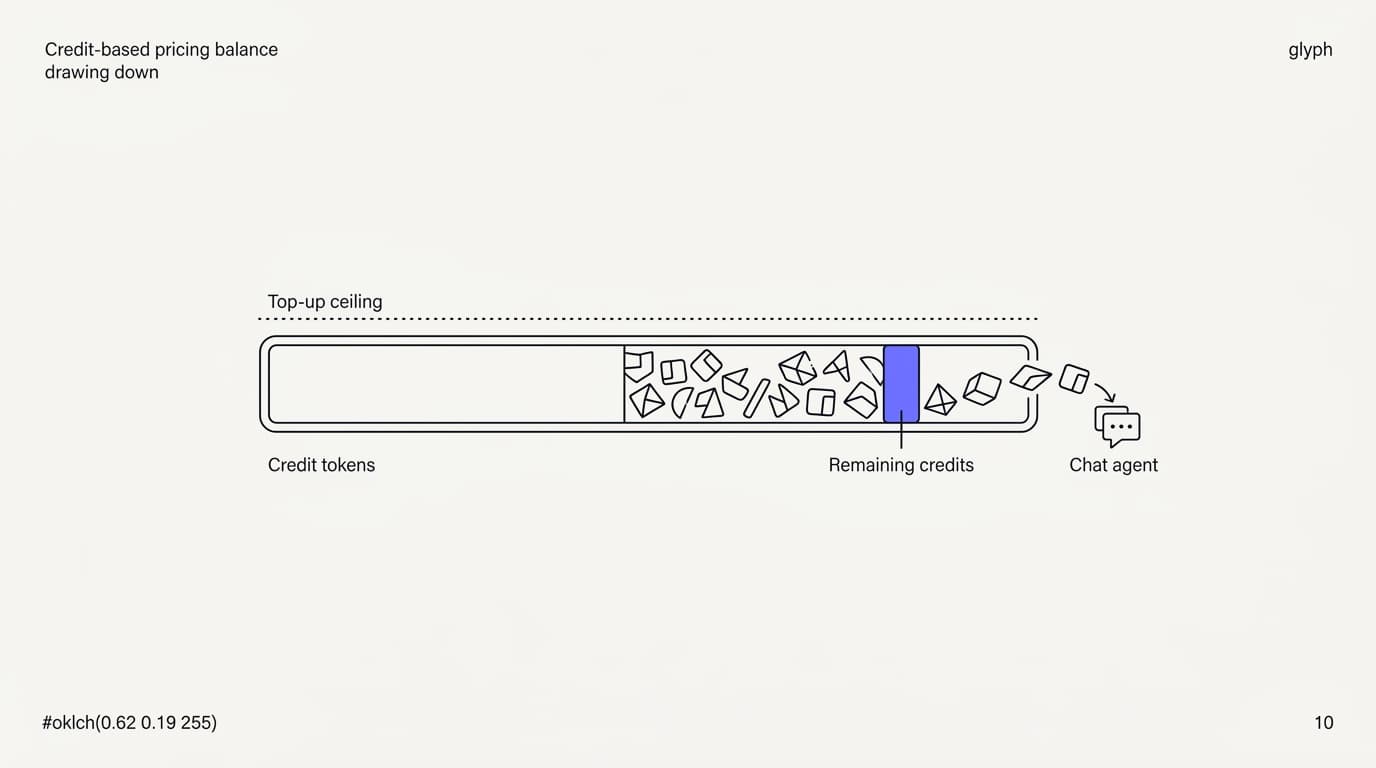
Credit-based pricing sells usage in units you buy up front and spend as the agent works. It sits between per-resolution alignment and per-seat predictability, because the cost tracks what the system does rather than how many humans log in, but you control the ceiling by how many credits you buy. Done well, it is the steadiest model for an AI-first team.
The reward is that cost follows work without following it off a cliff. Credits draw down as the agent handles conversations, so a busy month spends faster and a quiet month spends slower, but you are never surprised by a bill because you decided the top-up amount in advance. You are buying a budget, not signing a blank check.
The catch is the one the model cannot remove: you have to understand your own volume. If you do not know roughly how many conversations you handle a month, you cannot size a credit purchase well, and you will either over-buy and waste credits or under-buy and run dry mid-month. This is where your analytics earn their keep, because a rough conversation count is all the forecast needs.
The second thing to check is unit transparency: what one credit actually buys. A credit that maps clearly to a unit of work is forecastable, while a credit whose consumption rate shifts with message length or feature use is not. Ask the vendor to show you credits drawn down against real conversations, the same way you would test any action before trusting it in production.
Flat-tier pricing: a simple ceiling with a hidden floor
Flat-tier pricing bundles a capped amount of everything into one fixed monthly price. It is the easiest model to shop, because you compare three numbers and pick a plan, and it is genuinely predictable right up until you hit the cap. For a team whose volume sits comfortably inside a tier, it can be the least stressful option on the market.
The reward is cognitive simplicity. One price, one plan, no per-unit math, and a bill that does not move month to month as long as you stay under the included limits. Finance likes it, and a small team that values a quiet invoice over perfect alignment is well served by it.
The hidden floor is the overage rate and the upgrade cliff. The moment you exceed the included conversations or seats, you either pay a per-unit overage that is often priced to hurt, or you jump to the next tier and pay for a lot of headroom you are not using yet. A tier that fits today can become the worst value on the page after a growth spurt, which is why you forecast against the tier boundaries, not the tier price.
Flat tiers also tend to hide their real gating in the feature matrix rather than the price. The conversation cap gets the attention, but the tier that unlocks the handoff quality, the integrations, or the retention window you need may be two levels up. Read the feature grid as carefully as the price column, because that is where a flat-tier vendor buries the real cost of the plan you actually need.
The hidden costs that never reach the pricing page
 Communicate.so
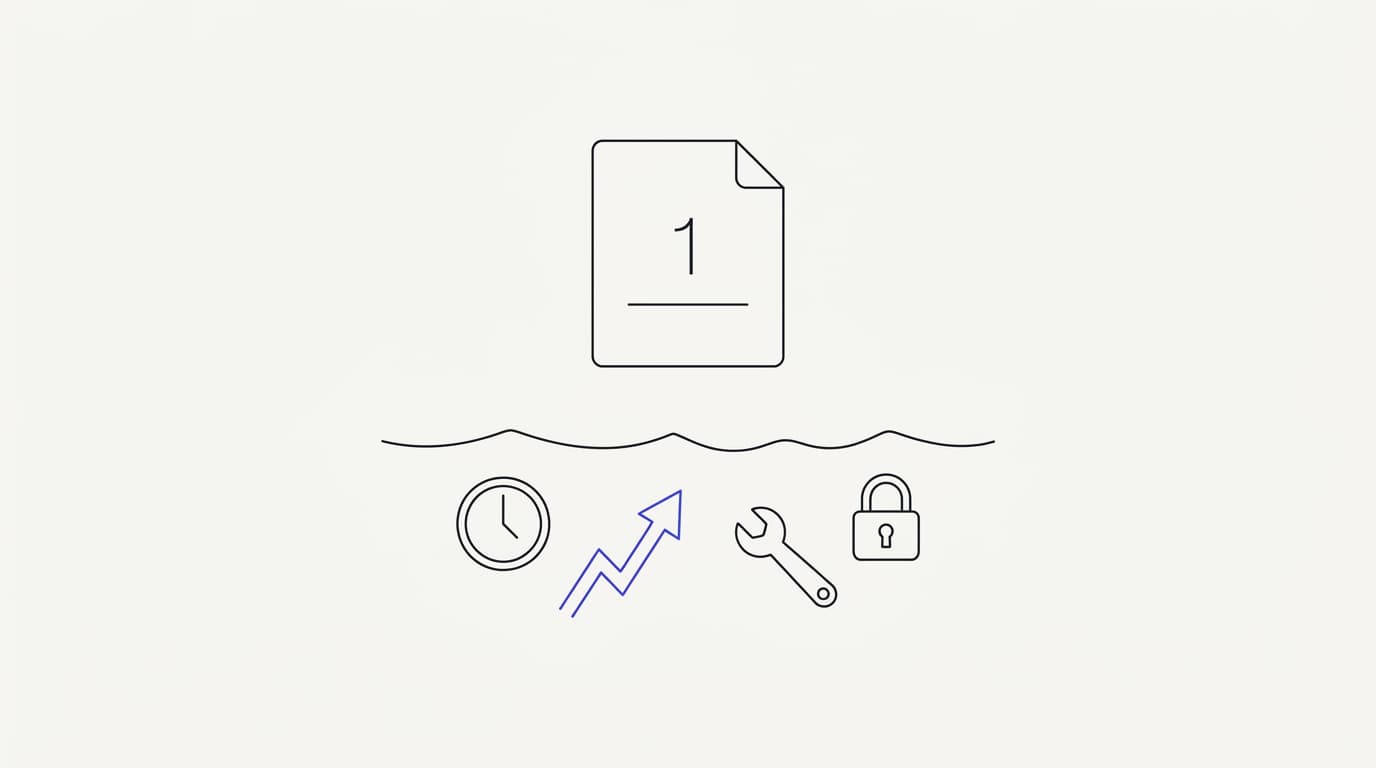
The sticker price is the beginning of your cost, not the end of it. Every pricing model has a set of costs that live off the pricing page, and they are where the real total cost of ownership hides. Naming them lets you add them back before you compare quotes, so you are comparing true totals rather than advertised minimums.
Onboarding and setup time. Someone has to structure your knowledge base, connect your data sources, test the answers, and tune the handoff, and that time has a real cost even when the tool is cheap. The teams that skip it pay later: RAND's 2025 review of more than 2,400 enterprise AI initiatives found roughly 80% failed to deliver measurable value, most on operational discipline rather than model quality (RAND).
The AI support agent implementation guide walks that setup so you can estimate the hours honestly.
Overage and burst charges. Per-resolution and flat-tier models both punish traffic spikes, one with a bigger bill and one with an overage rate, and a bad-news week is exactly when a surge arrives. Model the cost of a doubled month, because a plan that is fine at steady state can be brutal during the surge, and slow first responses during a surge cost you too, as the first response time benchmark lays out.
Integration and maintenance. Connecting the tool to your stack, keeping the knowledge base current, and maintaining any custom actions is ongoing work, not a one-time cost. A do-it-yourself wrapper looks free until you count the engineer-hours it consumes every month, which is the cost that sinks most build-it-yourself projects.
Two more line items round out the list. Payment and currency handling can add processing cost depending on how the vendor bills, and premium support or a required annual commitment can raise the effective price well above the monthly figure you compared. Add all five categories back before you rank quotes, because the cheapest sticker price often carries the heaviest hidden load.
| Hidden cost | Shows on the pricing page | Hits your real total | Where to check |
|---|---|---|---|
| Onboarding and setup time | ✗ | ✓ | Your team hours to launch |
| Overage and burst charges | ✗ (in the fine print) | ✓ | The per-unit rate above the cap |
| Integration and maintenance | ✗ | ✓ | Ongoing engineer or ops hours |
| Feature gating by tier | ✓ (in the grid) | ✓ | The plan that unlocks what you need |
| Annual commitment or premium support | ✗ (varies) | ✓ | Contract terms, not the price box |
Total cost of ownership: forecast a year, not a month
The right unit for an AI support pricing decision is a year of spend, not a monthly headline. A month hides everything that matters: the growth curve, the seasonal surge, the onboarding hours in month one, and the overage that kicks in when you cross a cap. Modeling twelve months under each tool's actual model is the only comparison that survives contact with reality.
Total cost of ownership is the sticker price plus the hidden costs plus the way the model behaves as you grow. A per-seat tool with a low headline can beat a credit plan in month one and lose badly by month twelve if your AI resolution rate climbs. The shape of the curve matters more than the starting point, and only a year-long model shows the shape.
Build the forecast on your own numbers, not the vendor's example. Pull your real conversation volume and your expected growth rate, then run each model against them, because a blended industry average hides the topics and traffic patterns specific to your operation. The same discipline that makes a good tool evaluation, testing on your own material rather than a demo, makes a good pricing forecast, as the AI customer support software buyer guide argues for the tool itself.
One honest caveat on TCO: it is a projection, not a guarantee, because your volume and your resolution rate will both move. Build the model with a low, expected, and high volume case rather than a single line, so you can see which tool stays sane across the range. A pricing model that is only cheap in the best case is a risk, not a bargain.
How to forecast your spend, step by step
 Communicate.so
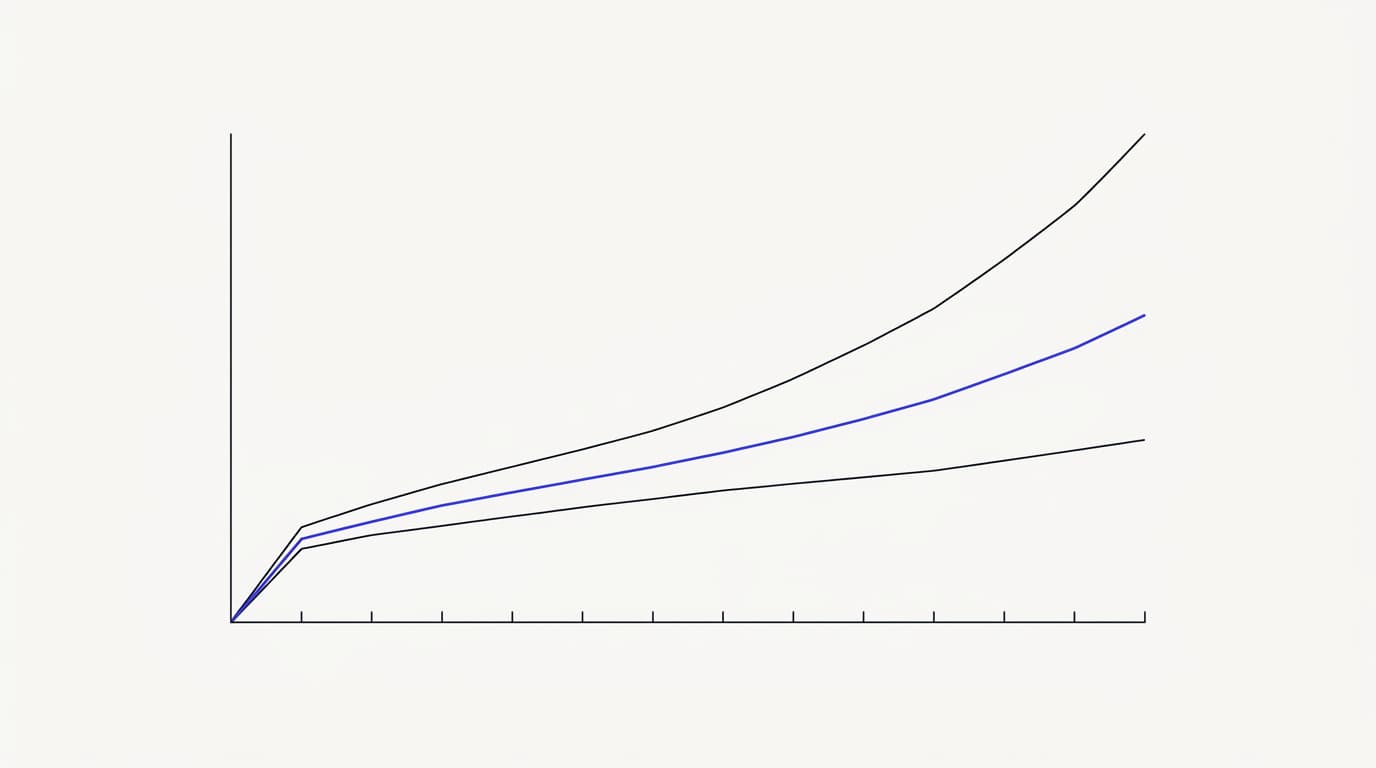
Forecasting sounds like a finance exercise, but for AI support pricing it is four inputs and some arithmetic. You need your monthly conversation volume, your expected growth rate, your AI resolution rate, and the model each vendor uses. With those four, you can project a year of spend for any quote on your list.
Start with volume. Pull your real monthly conversation count from your analytics, and if you have not launched AI support yet, use your current ticket count as the proxy. Then set a growth assumption, low, expected, and high, because a single-point forecast will be wrong and a three-case forecast tells you the range you are actually signing up for.
Then apply each model to those cases. For per-seat, multiply seats by rate and ignore volume. For per-resolution, multiply volume by resolution rate by the per-resolution price.
For credit-based, convert volume into credits at the vendor's unit rate. For flat-tier, find which tier your high case lands in, because that is the plan you will actually be paying for.
Finally, add the hidden costs back and compare the twelve-month totals, not the monthly minimums. The tool that wins on the year, across your low-to-high range, is the right pricing choice even if it loses on the headline. If you want the per-conversation inputs that feed this forecast, the AI customer support cost guide has the token-level math, and the implementation guide has the setup hours.
How Communicate prices, honestly
Communicate uses a credit-based model, and it is worth stating plainly rather than dressing up. There is no free tier. Entry is a one-time $1 account activation that confirms you are a real person and includes 100 test credits, then credit-based usage draws down as the agent works from there.
The reason for the shape is alignment without volatility. Credits track what the AI actually does rather than how many humans are logged in, so you are not paying per seat for work the agent is doing, and you are not exposed to a per-resolution bill that spikes during a surge. You decide the top-up, so the ceiling is yours to set, which is the predictability a pure per-resolution model cannot offer.
Part of why the per-conversation cost stays low is the model choice underneath. Communicate runs a single model, gpt-4o-mini through OpenRouter, with response and prompt caching to cut both cost and latency. That is a deliberate simplicity, not a gap: one well-tuned model with grounded retrieval keeps the credit consumption predictable, which is exactly what a credit model needs to be forecastable.
Now the honest caveat, because a pricing section that only sells is not trustworthy. Credit-based pricing asks you to understand your own volume, and if you cannot estimate your monthly conversations, you will size your first top-up poorly. The 100 test credits exist for exactly this: spend them on your real questions, watch the draw-down, and you will have the volume sense you need before you commit real budget, the same way you would test any AI agent on your own material first.
On the billing plumbing: payments run through Dodo Payments as merchant of record, which keeps card handling outside the product's own PCI boundary, and hosting is on Railway (Railway). Neither changes your price, but both are the kind of detail worth knowing before you put a card in. Questions on any of it go to [email protected].
Red flags on an AI support pricing page
The most useful signal on a pricing page is what the vendor makes hard to find. A page that states its model plainly, names its overage rates, and shows its feature gating is easier to trust than one that leads with a big free tier and buries the real cost two clicks down. Treat evasiveness about the model as an answer in itself.
Watch for the free tier that is really a funnel. A generous free plan that throttles the second real traffic arrives is a customer-acquisition tactic dressed as a pricing model, not a genuine offer. You can read how other buyers experienced a vendor's real billing on a review platform like G2 before you trust the pricing page's framing, which often tells a cleaner story than the marketing.
Two more red flags deserve a direct question. A vendor who cannot tell you exactly what a resolution or a credit counts as is hiding the unit you are billed on, and a vendor whose cheapest plan gates the handoff quality or the data controls you actually need is selling you a number that does not include the product you want. Ask both questions out loud, and accept only specific answers.
The last red flag is a pricing page with no stated limits at all. Every honest model has a shape and a ceiling, and a page that implies infinite value at a flat price is either about to change its pricing or about to change your plan. A vendor willing to name where the cost climbs, the way this guide names it for each model, is more trustworthy than one implying the bill never moves, which the wider first response time benchmark frames from the performance side.
Key takeaways
- Read the pricing model before the number, because the model decides whether your bill grows with value or with punishment.
- Four models dominate: per-seat rewards nothing as the AI takes over, per-resolution is fair but volatile, credit-based is predictable if you know your volume, and flat-tier is simple until the cap.
- The hidden costs, onboarding, overage, integration, feature gating, and commitments, often outweigh the sticker price. Add them back before you compare.
- Forecast a full year across low, expected, and high volume cases, not a single monthly headline, because the shape of the curve beats the starting point.
- Communicate prices credit-based with no free tier: a one-time $1 activation includes 100 test credits, then usage draws down credits, so cost tracks work without spiking.
Ready to forecast your own spend on real material? Start with a one-dollar account activation that includes 100 test credits, run your actual questions through the agent, and watch the credits draw down so you can size your volume before committing budget. For the per-conversation math behind the forecast, read what AI customer support actually costs, and for the tool-selection frame, the AI customer support software buyer guide is the right next read.
Frequently asked questions
What is the best pricing model for AI customer support?
There is no single best model, because the right one depends on how your support works. Per-seat suits teams where humans still do most of the resolving, per-resolution suits steady predictable traffic, credit-based suits AI-first teams that know their volume, and flat-tier suits teams that value a quiet invoice over perfect alignment. Match the model to your operation, then compare numbers inside that choice.
How much does AI customer support cost per month?
There is no universal monthly figure, because the cost depends on the pricing model and your conversation volume more than any headline number. Per-seat, per-resolution, credit-based, and flat-tier models each produce a very different bill at the same volume. For the per-conversation math behind any of them, see what AI customer support actually costs.
What is the difference between per-seat and per-resolution pricing?
Per-seat pricing charges for each human agent who logs in, so the bill tracks headcount and stays flat as the AI takes over the work. Per-resolution pricing charges for each conversation the AI closes, so the bill tracks outcomes and rises with volume. Per-seat is predictable but misaligned for AI-first support, while per-resolution is aligned but volatile during traffic surges.
What is credit-based pricing for AI support?
Credit-based pricing sells usage in units you buy up front and spend as the agent works, so cost tracks what the system does rather than how many humans log in. It sits between per-resolution alignment and per-seat predictability, because you control the ceiling by how many credits you buy. Communicate uses this model: a one-time $1 activation with 100 test credits, then credit-based usage from there.
Why is per-seat pricing bad for AI-first support?
Per-seat pricing charges for humans, which made sense when humans did all the resolving and makes less sense when the AI carries most of the volume. As the agent resolves more conversations, you keep paying a per-seat rate for people who supervise rather than answer, so the cost stays flat while the human workload shrinks. That mismatch, paying human-era prices for an AI-era workload, is the most common reason teams switch tools.
Does AI customer support have a free tier?
Some tools offer one, but a free tier that throttles the moment real traffic arrives is a funnel, not a pricing model. Communicate deliberately has no free tier: a one-time $1 activation confirms you are a real person and includes 100 test credits, then credit-based usage from there, which keeps cost predictable rather than punishing growth once you pass the free ceiling.
How do I forecast my AI support spend?
Gather four inputs: your monthly conversation volume, your expected growth rate, your AI resolution rate, and each vendor's pricing model. Apply each model to a low, expected, and high volume case, add the hidden costs back, and compare the twelve-month totals rather than the monthly minimums. Pull the volume figure from your analytics, or use your current ticket count if you have not launched AI support yet.
What hidden costs are not shown on the pricing page?
The common ones are onboarding and setup time, overage and burst charges during traffic surges, ongoing integration and maintenance, feature gating that hides the plan you actually need, and annual commitments or premium-support fees. These often outweigh the sticker price, so add them back before comparing quotes. The AI support agent implementation guide helps you estimate the setup hours honestly.
Is credit-based pricing cheaper than per-seat pricing?
It depends on how much of your volume the AI resolves. If the AI carries most conversations, credit-based pricing usually wins over time because it charges for work done rather than seats occupied, while per-seat stays flat as your human workload shrinks. If humans still do most of the resolving, per-seat can be the cheaper and simpler choice, which is why you forecast both against your own numbers.
What counts as a resolution in per-resolution pricing?
That is the critical question to ask, because some tools count any conversation the AI touched, even one it got wrong and the customer abandoned. A padded resolution count inflates the number you are billed on. Repeated contacts after a bad answer are a real cost, not a resolution, which the Zendesk CX Trends research on repeating information underlines (Zendesk).
Get the definition in writing before accepting the model.
How does flat-tier pricing work for AI support?
Flat-tier pricing bundles a capped amount of conversations, seats, and features into one fixed monthly price, so you compare a few numbers and pick a plan. It is predictable and simple right up until you hit the cap, at which point you pay an overage rate or jump to a more expensive tier. Forecast against the tier boundaries and the feature grid, not just the tier price, because that is where the real cost hides.
What model does Communicate use and why?
Communicate uses credit-based pricing because it aligns cost with the work the AI does without the volatility of a pure per-resolution bill. Credits draw down as the agent handles conversations, and you set the ceiling by how much you top up. The low per-conversation cost comes partly from running a single model, gpt-4o-mini through OpenRouter, with response and prompt caching.
How much are Communicate test credits and what do they include?
Communicate's entry point is a one-time $1 account activation that confirms you are a real person and includes 100 test credits. Those credits exist so you can run your real support questions through the AI agent and watch the draw-down before committing budget. Spending them on messy, real questions is also the fastest way to learn your own volume, which is what a credit model needs you to know.
Should I choose a tool by price or by pricing model?
By model first, then by price inside that choice. The sticker price tells you almost nothing about your real spend, because two tools with identical headlines can differ by an order of magnitude a year in, purely on how the model behaves as you grow. Pick the model that fits your operation, forecast a year across a volume range, and only then compare the numbers that remain.
Why do AI support pricing pages look so different from each other?
Because they are built on different models, so the numbers are not measuring the same thing. One charges per seat, another per resolution, a third sells credits, and a fourth bundles a flat tier, and comparing their headlines directly is comparing different units. The fix is to place each quote into its model first, which the AI customer support software buyer guide frames alongside the tool choice itself.
How does traffic volume affect my AI support bill?
It depends entirely on the model. Per-seat pricing ignores volume, per-resolution pricing rises directly with it and can spike during a surge, credit-based pricing draws credits faster in a busy month but stays within the ceiling you set, and flat-tier pricing is flat until you cross the cap. Model a doubled month under each, because a surge is exactly when a fragile model hurts, and slow responses during it cost you too, as the first response time benchmark shows.
Is cheaper AI support pricing always better?
No, because the cheapest sticker price often carries the heaviest hidden load and the worst behavior as you grow. A low headline that gates the handoff quality or data controls you need, or that spikes during a surge, is more expensive in practice than a higher price that stays predictable. Compare true twelve-month totals with the hidden costs added back, using the cost guide for the per-conversation inputs.
What should I ask a vendor about their AI support pricing?
Ask what model they use, exactly what a resolution or a credit counts as, what the overage rate is above the cap, and which plan unlocks the handoff quality and data controls you need. Ask whether there is a minimum commitment and whether premium support is extra. Specific answers to those questions tell you your real total cost, while vague answers tell you the cost is hidden on purpose.
How does Communicate keep its per-conversation cost low?
Communicate runs a single model, gpt-4o-mini through OpenRouter, with response and prompt caching that cuts both cost and latency on repeated and similar queries. Sticking to one well-tuned model with grounded retrieval keeps credit consumption predictable, which is what makes a credit model forecastable. The quality of the data sources you connect drives answer quality far more than swapping models would.
Where can I see the full cost math behind AI support pricing?
The pricing model comparison in this guide pairs with the per-conversation math in what AI customer support actually costs, which covers token costs, the human-support crossover point, and where the number goes higher than expected. For the setup hours that feed a total-cost forecast, the AI support agent implementation guide walks the launch end to end. Together they give you both the model and the numbers.