
Live chat vs AI agent: which support setup actually wins
 Communicate.so
Live chat vs AI agent: compare cost, coverage, and latency, and why AI with human takeover is the strongest support setup.
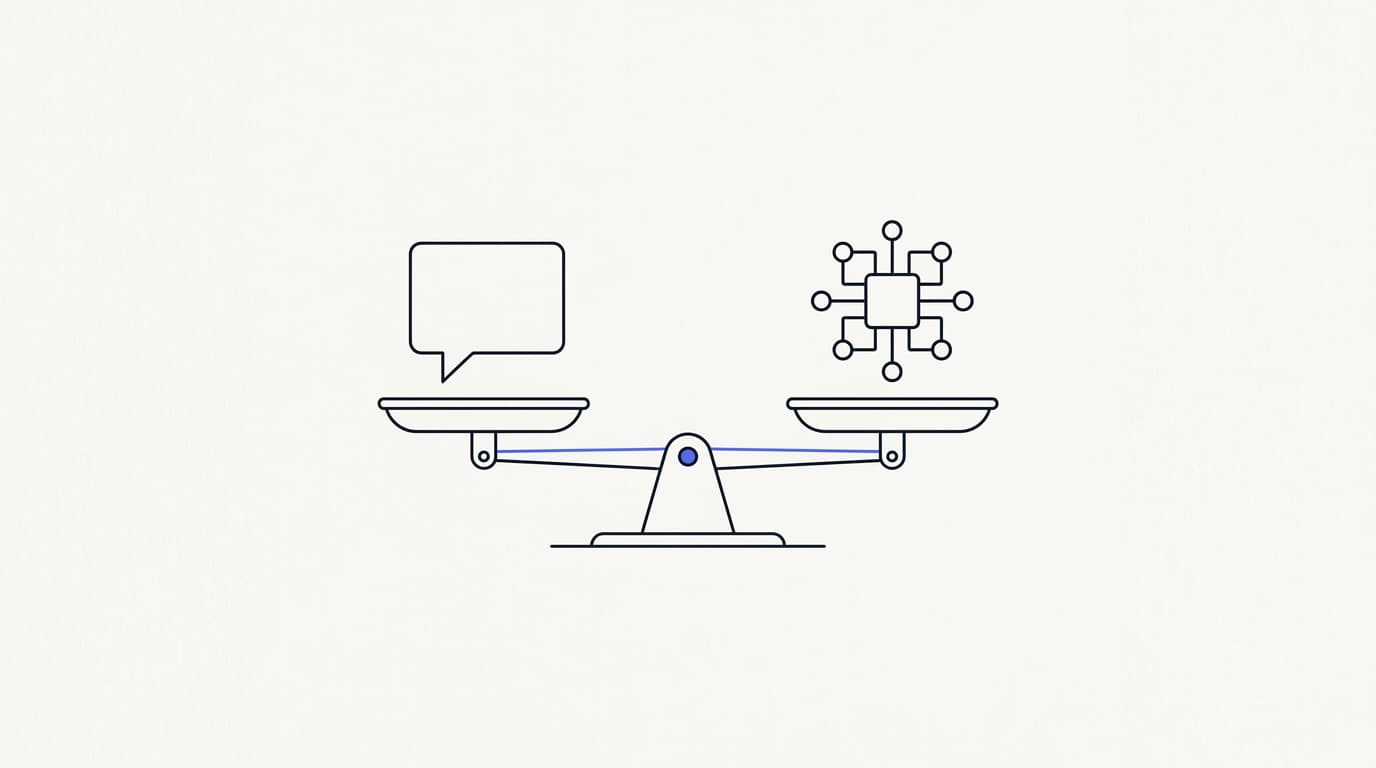
TL;DR: Live chat vs AI agent is the wrong fight, because the two are good at opposite things and the strongest setup uses both. Human live chat wins on judgment, empathy, and messy edge cases, while an AI agent wins on instant answers, round-the-clock coverage, and a cost that stays flat as volume climbs. This guide compares them honestly on cost, coverage, and latency, shows when each one is the right tool, and explains why the setup that beats either alone is an AI agent grounded in your own knowledge with presence-based human takeover. AI needs good data and guardrails to be trustworthy, and some conversations will always need a person, so the goal is a clean division of labor rather than a winner.
Type live chat vs AI agent into any search box and you get two camps shouting past each other. One says nothing beats a real person, the other says AI resolves everything now, and neither is describing the support queue you actually run. The honest answer is duller and more useful: they solve different halves of the same problem.
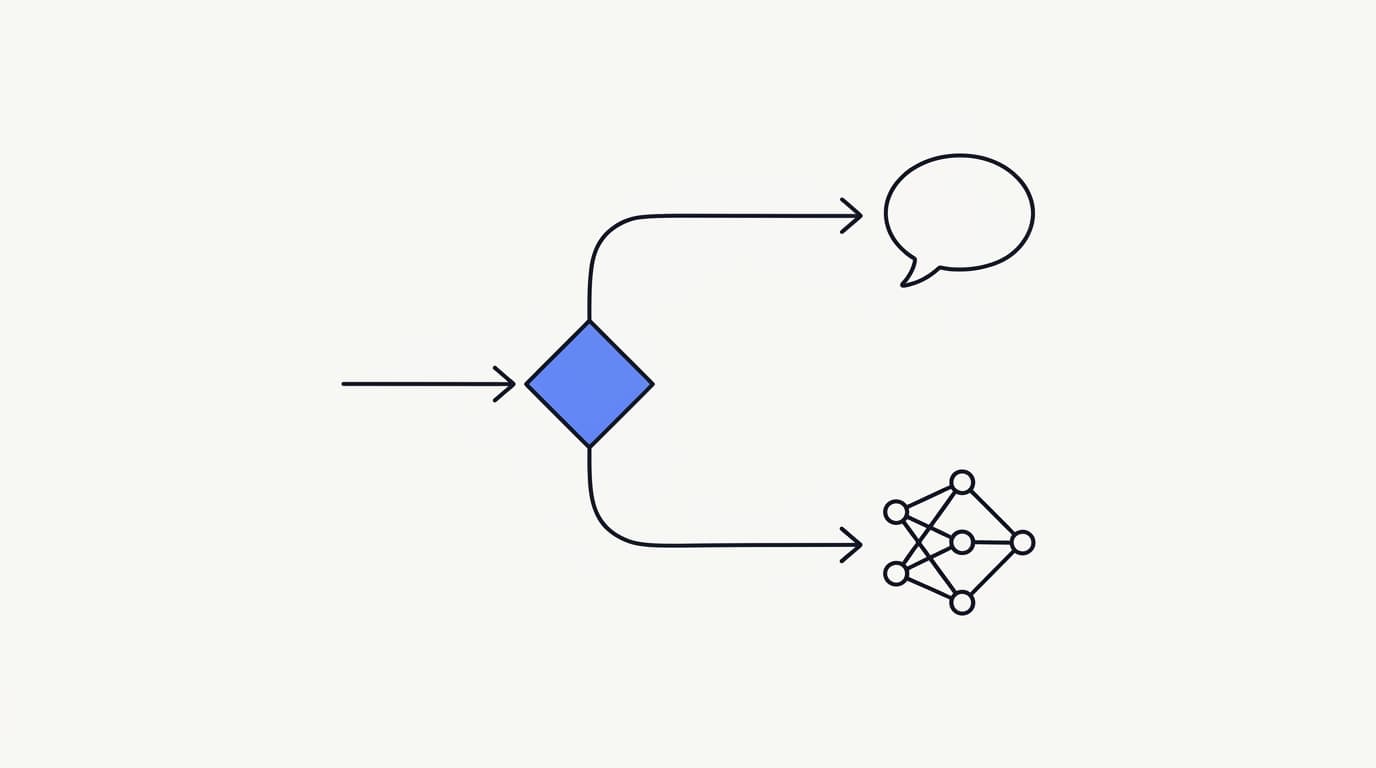
The framing that helps is not "which one," it is "which one for which conversation." A customer asking where their order is at 2am wants an instant, correct answer, and a customer disputing a charge while angry wants a human who can read the room. An AI agent and a live human are each the best tool for one of those, and the trick is routing each conversation to the right one.
This guide is for the person who owns the decision: a founder, a support lead, or an ops owner choosing how to staff a growing queue. It defines the three options plainly, compares them on cost, coverage, and latency, says when each wins, and makes the case that the strongest setup is a hybrid where the AI carries the repetitive volume and hands off cleanly to a person. If you want the wider category view first, the AI customer support software buyer guide is the companion read.
What live chat, AI agents, and hybrid actually mean
 Communicate.so
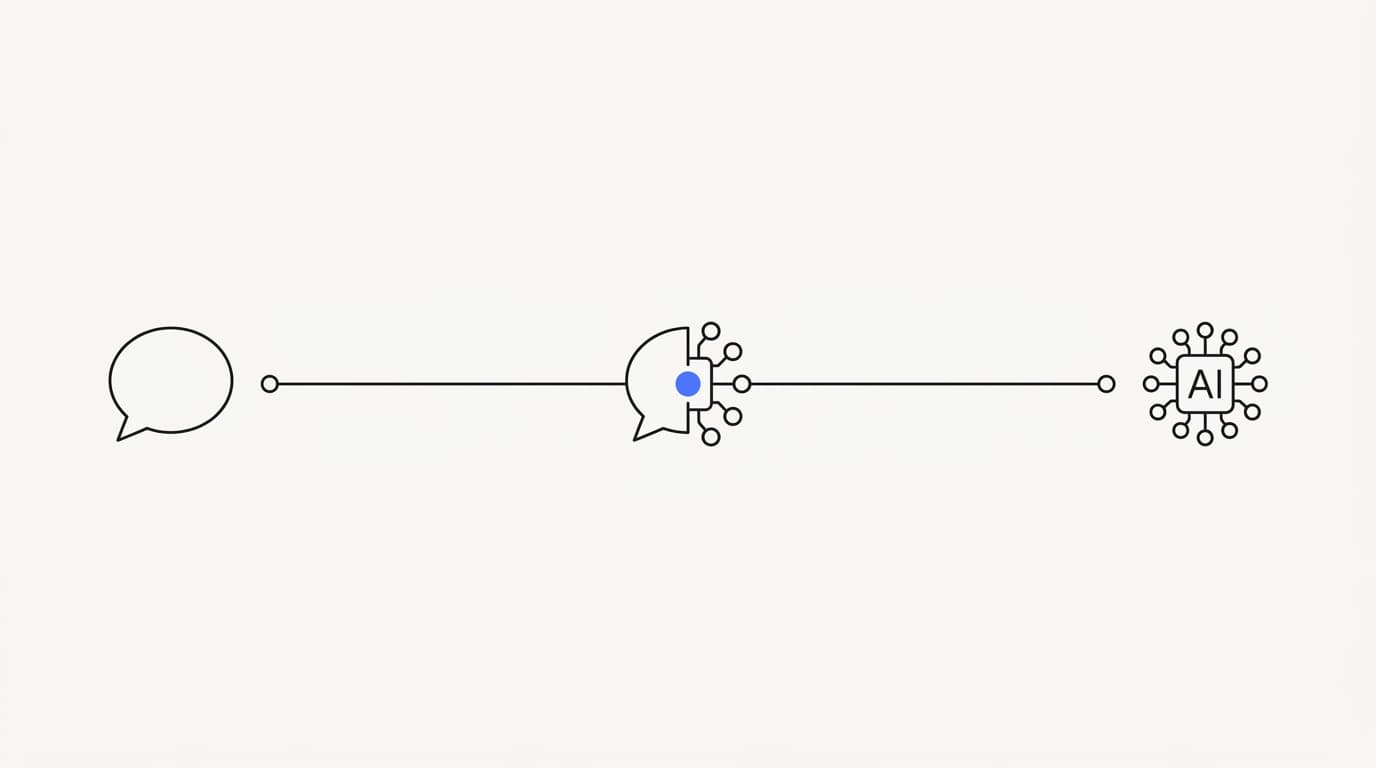
These three words get used loosely, so it is worth pinning them down before comparing them. Each describes a different way of answering a customer, and the differences drive every tradeoff that follows. Get the definitions straight and the rest of the comparison stops being a slogan war.
Human live chat is a person typing replies in real time. A customer opens a chat window, a support agent picks it up, and the two talk until the issue is resolved. It is the oldest form of real-time support, and its quality rises and falls with the person on the other end and how many conversations they are juggling at once.
An AI agent answers on its own from your knowledge. It reads the question, retrieves the relevant facts from the sources you connect, and writes a reply without a human in the loop. A well-built agent uses grounded retrieval, which means it answers from your documents rather than the model's general training, and it hands off when it is unsure rather than guessing.
Hybrid runs the AI agent first with a human on standby. The agent handles the conversation until it hits something it should not answer, then a person takes over without the customer starting again. This is the setup most mature teams land on, and the rest of this guide explains why it beats either pure model.
The mechanics of that handoff are covered in AI to human handoff in support.
It helps to see these as points on a spectrum rather than three separate products. On one end sits a fully human queue, on the other a fully autonomous agent, and hybrid is the broad middle where most real operations live. Where you sit on that spectrum should be a deliberate choice, not an accident of which tool you signed up for first.
When human live chat wins
Live chat with a real person is not a legacy option you tolerate until the AI is ready. For a specific and important class of conversations, a human is simply the better answer, and pretending otherwise is how teams ship cold, robotic support. Naming those conversations tells you exactly where to keep people in the loop.
The clearest case is emotional weight. A customer who is frustrated, worried about money, or dealing with something that went badly wrong wants to feel heard, and a person can do that in a way a generated sentence cannot. This is not sentiment for its own sake: repeating yourself is one of the top frustrations customers report, with Zendesk's 2024 CX Trends research finding 74% rank it among their biggest annoyances (Zendesk), and a human who has the context avoids making them start over.
The second case is genuine judgment. Some questions have no documented answer, because they involve a tradeoff, an exception, or a decision that depends on details no knowledge base can hold. A person can weigh the situation, bend a policy when it makes sense, and own the outcome, which is exactly what an AI agent should refuse to do.
The third case is high stakes. A large sales conversation, a churn risk, or a complaint that could escalate publicly is worth a human's full attention, because the cost of getting it wrong dwarfs the cost of the time. These are the conversations usability researchers like the Nielsen Norman Group have long argued deserve a human touch, and no efficiency argument should push a person out of them.
The honest limit of live chat is that none of this scales cheaply. Every one of those conversations needs a trained person available at that moment, which is why a pure human queue buckles under volume, time zones, and traffic spikes. Live chat wins the conversations that need a human, and loses the ones that only need a fast, correct answer.
When an AI agent wins
An AI agent earns its place on the conversations that are repetitive, well documented, and time sensitive. This is the bulk of most support queues, and it is precisely the work that burns out human agents and inflates headcount. Handing it to an agent is not cutting corners, it is freeing people for the work that needs them.
The first win is speed at any hour. An AI agent answers in seconds, at 3am, on a holiday, during a launch, without a queue forming, which directly attacks the first-response-time problem covered in the first response time benchmark and how to cut first response time. Coverage that would cost a follow-the-sun human roster is simply the default behavior of software.
The second win is cost that stays flat as volume grows. A human queue costs more with every extra conversation, while an agent handles the hundredth question of the hour at the same marginal cost as the first. The prize behind this is large: Gartner has projected that by 2029, agentic AI will autonomously resolve 80% of common customer service issues without human intervention (Gartner).
The third win is consistency. A human answers the same question five different ways across a shift depending on mood and memory, while a grounded agent gives the same correct answer every time, drawn from the same source of truth. For a support operation, that reliability is worth as much as the speed.
The honest limit is that an AI agent is only as good as the knowledge and guardrails behind it. Point it at thin or contradictory documents and it will produce confident, wrong answers, which is worse than a slow human one. RAND's 2025 review of more than 2,400 enterprise AI initiatives found roughly 80% failed to deliver measurable value (RAND), mostly on operational discipline rather than model quality, and that discipline is what turns an agent from a liability into an asset.
The tradeoffs: cost, coverage, and latency
 Communicate.so
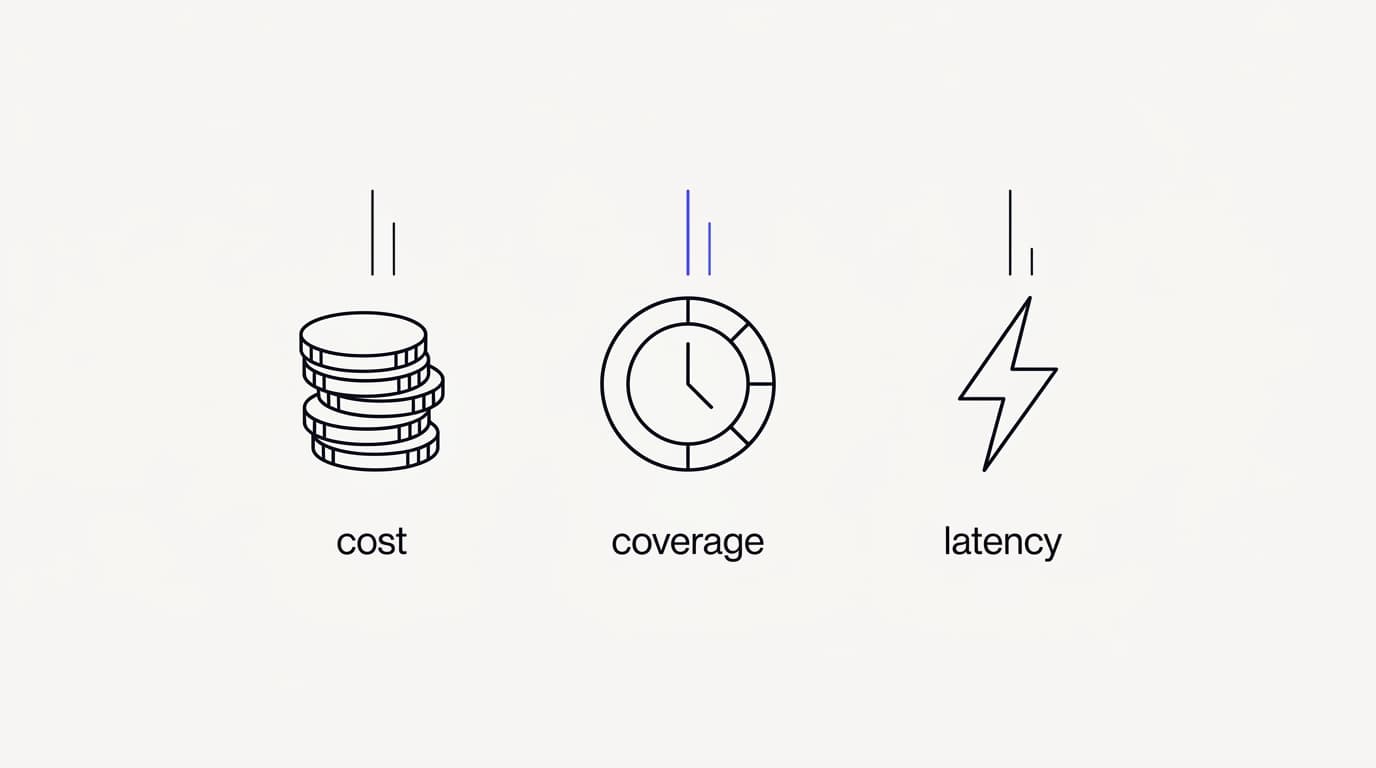
Every support setup trades three things against each other: cost, coverage, and latency. Live chat and an AI agent sit at opposite corners on all three, which is exactly why comparing them head to head misleads you. The useful move is to look at each dimension on its own and see which model owns it.
On cost, the shapes are different, not just the numbers. Human live chat scales roughly linearly with volume, because more conversations need more people, while an AI agent carries a low, flat marginal cost per conversation. A credit-based pricing model makes that flat cost predictable, so your bill tracks usage rather than headcount.
On coverage, a human queue is bounded by staffing, shifts, and time zones, so genuine round-the-clock support means paying for people to sit through quiet hours. An AI agent covers every hour by default, because software does not sleep, take breaks, or call in sick. This is the single biggest operational gap between the two.
On latency, a human reply depends on how many chats an agent is juggling, so response time climbs the moment the queue backs up. An AI agent replies in seconds regardless of load, which is why it holds up during exactly the traffic spikes that break a human queue. The tradeoff is that fast and wrong is worse than slow and right, so speed only counts when paired with grounded accuracy.
| Dimension | Human live chat | AI agent | Hybrid (AI plus takeover) |
|---|---|---|---|
| Answers instantly at any hour | ✗ | ✓ | ✓ |
| Handles nuanced or emotional cases | ✓ | ✗ | ✓ |
| Cost stays flat as volume grows | ✗ | ✓ | ✓ |
| Consistent answers every time | ✗ | ✓ | ✓ |
| Human judgment on edge cases | ✓ | ✗ | ✓ |
| Coverage across every time zone | ✗ | ✓ | ✓ |
Read that table as a map of strengths, not a scoreboard. Human live chat owns the rows that need a person, the AI agent owns the rows that need speed and scale, and the hybrid column is the only one with a checkmark in every row. That last fact is the whole argument for not choosing between them.
When each one wins, by scenario
Abstract tradeoffs get real when you map them to the conversations you actually get. The right tool is rarely the same across your whole queue, which is the point that pure live chat and pure automation both miss. Score your own conversation mix against this and the answer usually stops being either-or.
A repetitive, high-volume FAQ is the AI agent's home turf, because the answers are documented and the value is in speed and consistency. A sensitive complaint or a dispute belongs with a human, because it needs judgment and empathy. Most teams have a lot of the first and a steady trickle of the second, which is why routing beats picking a side, a point we develop in how Shared Inbox keeps AI and humans in sync.
Overnight and weekend coverage is where the AI agent quietly earns its keep, answering the questions that would otherwise wait until Monday or cost you a night-shift roster. Complex, multi-step troubleshooting can go either way, depending on how well documented the steps are, so it is worth testing rather than assuming. A sudden traffic spike, a launch, a bug, or a viral moment, is the AI agent's clearest structural advantage, because it absorbs the load a human queue cannot.
A high-stakes sales conversation is worth a human every time, because the upside justifies the attention. The pattern across all of these is simple: let the agent carry the volume where speed and consistency win, and route the judgment calls to people. Getting that routing right is the core of a good AI support agent implementation.
| Scenario | Human live chat | AI agent | Hybrid |
|---|---|---|---|
| Repetitive FAQ at high volume | ✗ | ✓ | ✓ |
| Sensitive complaint or dispute | ✓ | ✗ | ✓ |
| Overnight and weekend coverage | ✗ | ✓ | ✓ |
| Complex multi-step troubleshooting | ✓ (varies) | ✗ | ✓ |
| Sudden traffic spike | ✗ | ✓ | ✓ |
| High-stakes sales conversation | ✓ | ✗ | ✓ |
Why the strongest setup is a hybrid
 Communicate.so
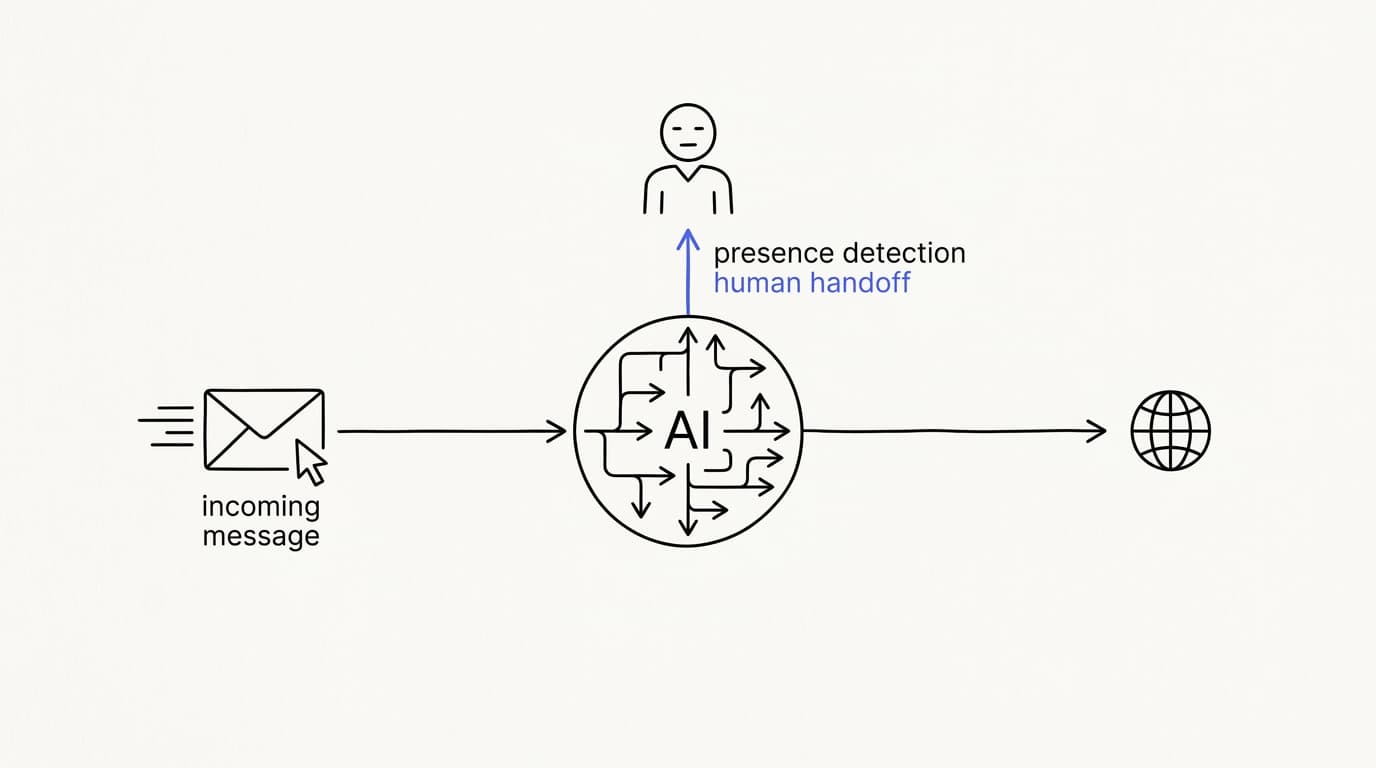
The hybrid setup wins because it puts each tool on the conversations it is best at. The AI agent takes the repetitive majority, a human takes the judgment calls, and the customer never has to know which one they are talking to. That is the only arrangement that scored a checkmark in every row of the tradeoff table, and it is not a coincidence.
The mechanism that makes hybrid work is a clean handoff. A conversation the agent should not answer has to reach a person without the customer repeating themselves, and the strongest pattern for that is presence-based takeover. Communicate's Shared Inbox locks a thread to human mode the instant an agent opens it, so the AI steps back the moment a person steps in.
There is a subtler failure the design has to prevent: the AI replying over a human mid-conversation. Communicate pairs presence-based takeover with a per-turn backstop, so even in the race between a human starting to type and the agent generating a reply, the human's turn wins. The result is a handoff that feels seamless rather than a bot and a person talking on top of each other.
Hybrid also fails safe in the direction that matters. When retrieval finds nothing relevant, a well-built agent says so and escalates rather than inventing an answer, so the human catches exactly the conversations the AI should not have touched. That escalation discipline is what makes the whole system trustworthy, and it is why grounded retrieval and a good handoff are the two features to test hardest, as we cover in AI to human handoff in support.
The honest caveat is that hybrid is not free of work. It needs a knowledge base worth grounding on, a team that knows when to take over, and guardrails that decide what the agent may and may not do on its own. Done well, it gives you the coverage and cost of automation with the judgment of a human on the conversations that need one.
How to choose the right setup for your team
 Communicate.so
Choosing is less about picking a camp and more about reading your own queue. The right mix falls out of what your conversations look like, how much volume you get, and where a wrong answer actually hurts. Do this with data rather than instinct and the decision tends to make itself.
Start by pulling 50 to 100 real questions from your ticket history, weighted toward your highest-volume topics. Sort them into two buckets: questions with a documented answer, and questions that need judgment. The ratio between those buckets tells you roughly how much of your queue an AI agent can carry and how much needs to stay with people, and you can watch that split move over time in analytics.
Then test the agent on the documented bucket against your own material, not a demo script. Score each answer on three axes: was it factually correct, did it match your voice, and did it escalate when it should have. Communicate's one-time $1 activation includes 100 test credits for exactly this, so you can spend them on the ugly, half-typed questions real customers send rather than the three clean ones a salesperson picks.
Set your go/no-go bar before you see results, commonly around 90% factual accuracy with zero invented answers on out-of-scope questions. A tool that guesses confidently on a question it should have refused fails, no matter how fluent it sounds. If you have never launched an agent before, walk the setup end to end with the AI support agent implementation guide.
Finally, decide how much the agent is allowed to do on its own. Answering questions is low risk, while actions that change something, like looking up or updating an order, carry more, so scope and test those channel by channel rather than switching everything on at once. The safe default is an agent that answers freely, acts narrowly, and hands off the moment it is unsure.
Where Communicate fits, honestly
Communicate is built for the hybrid setup, so it fits teams that want an AI agent to carry the bulk of volume and hand off cleanly, rather than teams that only want a live chat window staffed entirely by people. If your plan is a pure human queue with no automation, it is not the tool for you, and you should know that before you evaluate. The AI Agents overview is the shortest way to see the shape of it.
Here is what it does. The agent trains on your own data through grounded retrieval and hands off when it is unsure. The Shared Inbox uses presence-based human takeover with a per-turn backstop, so the AI never talks over a person mid-reply.
The live channels are a web widget, live chat, and email, with in-app messages, analytics, and scoped actions running from the same agent and knowledge base.
On the model, Communicate runs a single model, gpt-4o-mini through OpenRouter, with response and prompt caching to keep cost and latency down. That is a deliberate simplicity, not a gap: one well-tuned model with grounded retrieval beats a model-picker that shifts the tuning burden onto you. The data you connect matters far more to answer quality than the model badge.
On pricing, there is no free tier. Entry is a one-time $1 activation that confirms you are a real person and includes 100 test credits, then credit-based usage from there, which keeps the AI side of your support cost predictable rather than tied to headcount. That model rewards letting the agent carry volume, which is the whole point of the hybrid approach.
Now the honest limits. Communicate is GDPR-ready but not certified, and it holds no SOC 2, HIPAA, or ISO 27001, runs in a single region, and does not offer SSO. It does not support WhatsApp, Messenger, SMS, voice, or social DMs, its live channels are the web widget, live chat, and email.
If any of those is a hard gate for you, it is not your best fit today, and the security page states the posture and the gaps plainly.
Red flags and honest limitations
The most useful signal in this debate is a vendor who admits what their tool cannot do. Anyone claiming an AI agent removes the need for humans entirely is overselling, and anyone claiming live chat cannot be improved by automation is nostalgic. The realistic picture has both, doing different work.
Treat a few things as red flags. A tool that reports deflection rate but not confirmed resolution is measuring the flattering number, because a customer who got a wrong answer and gave up still counts as deflected. A demo that only works on the vendor's sample data, and gets cagey when you ask to test your own, is hiding a retrieval problem.
A handoff that makes the customer re-explain everything is an integration bolted together after launch, not a system that was designed.
Be equally honest about the limits of automation itself. An AI agent can be confidently wrong, it depends entirely on the quality of the knowledge you feed it, and it is a poor fit for conversations that need real human judgment. The strongest setup resolves the repetitive majority with the agent and escalates the rest to people cleanly, and any vendor promising it eliminates humans is selling you a future that does not exist yet.
Key takeaways
- Live chat vs AI agent is a false choice. They are good at opposite things, and the strongest setup uses both.
- Human live chat wins on judgment, empathy, and high-stakes edge cases. An AI agent wins on speed, round-the-clock coverage, and flat cost at volume.
- The three real tradeoffs are cost, coverage, and latency, and the two models sit at opposite corners on all three.
- A hybrid with presence-based human takeover is the only setup strong on every dimension, because it routes each conversation to the right responder.
- AI needs good data and guardrails to be trustworthy. Test it on your own ticket history, set a go/no-go bar, and keep humans on the conversations that need them.
Ready to test the hybrid setup on your own material? Start with a one-dollar account activation that includes 100 test credits, feed the agent your real support questions, and see how much of your queue it can carry before you commit. If you are earlier in the journey, the AI customer support software buyer guide and the AI Agents overview are the right next reads.
Frequently asked questions
What is the difference between live chat and an AI agent?
Live chat is a real person typing replies in real time, while an AI agent answers on its own from your connected knowledge without a human in the loop. Live chat brings judgment and empathy but costs more with every conversation. An AI agent brings instant, consistent answers at a flat marginal cost, as long as the knowledge behind it is good.
Is live chat better than an AI agent for customer support?
Neither is better in general, because they are good at different conversations. Live chat wins on nuanced, emotional, or high-stakes cases that need a human. An AI agent wins on repetitive, well-documented questions where speed, coverage, and consistency matter, which is usually the bulk of a support queue.
What is a hybrid support setup?
A hybrid setup runs an AI agent first with a human on standby, so the agent handles most conversations and a person takes over the moment one needs judgment. It combines the coverage and cost of automation with the judgment of a human. Communicate's Shared Inbox is built around this pattern with presence-based takeover.
When should a human take over from an AI agent?
A human should take over when a conversation needs judgment, empathy, or carries high stakes, and whenever the agent cannot find a grounded answer. A well-built agent escalates on its own when retrieval finds nothing relevant, rather than guessing. Sensitive complaints, disputes, and large sales conversations are worth a person every time.
Can an AI agent replace live chat entirely?
No, and a vendor claiming it can is overselling. An AI agent can resolve the repetitive majority of conversations, but some cases will always need human judgment and empathy. The realistic goal is to let the agent carry volume and route the judgment calls to people, not to remove humans.
What is presence-based human takeover?
Presence-based takeover is a handoff design where a conversation locks to human mode the instant a support agent opens it, with no manual toggle to forget. Communicate pairs it with a per-turn backstop so the AI never replies over a human mid-response. The full transcript stays visible to both sides, so nothing is rebuilt from scratch, as covered in how Shared Inbox keeps AI and humans in sync.
Does live chat have better response times than an AI agent?
Usually the opposite. An AI agent replies in seconds regardless of load, while human live chat response times climb as the queue backs up. The AI agent's speed advantage is largest during exactly the traffic spikes that break a human queue, which is why it helps so much with the metric tracked in the first response time benchmark.
How much does live chat cost versus an AI agent?
Human live chat scales roughly linearly, because more conversations need more people, while an AI agent carries a low, flat marginal cost per conversation. Communicate uses a one-time $1 activation with 100 test credits, then credit-based usage, so the AI side tracks usage rather than headcount. The pricing model matters more than any headline number.
Which is better for a small support team, live chat or an AI agent?
Small teams often benefit most from an AI agent, because it handles the repetitive volume that would otherwise force early hiring. A hybrid setup lets two or three people cover a queue that would normally need many more, by keeping humans on the judgment calls only. The low entry cost makes it low risk to try before committing budget.
Do customers prefer live chat or AI agents?
Customers prefer a fast, correct answer, and they care less about who gives it than vendors assume. What they dislike is having to repeat themselves, which Zendesk found 74% rank among their biggest frustrations (Zendesk). A hybrid setup with a clean handoff gives them speed on easy questions and a human on hard ones, without making them start over.
What channels does Communicate support?
Communicate's live channels are a web widget, live chat, and email, plus in-app messages, and the same AI agent and knowledge base serve all of them. It does not support WhatsApp, Messenger, SMS, voice, or social DMs. Keeping answers consistent across those supported surfaces is one reason to run a single agent rather than a separate bot per channel.
How does an AI agent know when to hand off to a human?
A well-built agent hands off when its grounded retrieval finds nothing relevant to the question, rather than inventing an answer. You can also scope which topics or actions it is allowed to handle on its own, so anything outside that scope escalates. The safe default is an agent that answers freely, acts narrowly, and escalates the moment it is unsure.
Is an AI agent accurate enough to trust with customers?
It can be, but only with good knowledge and guardrails behind it. Accuracy comes mostly from grounded retrieval and a well-structured knowledge base, not the model badge. RAND found roughly 80% of enterprise AI initiatives failed to deliver measurable value (RAND), mostly on operational discipline, so test the agent on your own questions and set an accuracy bar before you trust it live.
What is the chatTurn backstop?
The chatTurn backstop is a safeguard that stops the AI agent from replying over a human mid-conversation. Even in the race between a human starting to type and the agent generating a reply, the human's turn wins. It works alongside presence-based takeover to make a handoff feel seamless rather than a bot and a person talking on top of each other.
Can I use live chat and an AI agent at the same time?
Yes, and that is exactly what a hybrid setup does. The AI agent handles conversations until one needs a human, then a person takes over in the same thread without the customer repeating themselves. Communicate's Shared Inbox runs both in one place with presence-based takeover, so the switch is invisible to the customer.
How do I measure whether my AI agent is working?
Track confirmed resolution rate on AI-only conversations, escalation rate broken down by reason, and response time, all on your own volume rather than a blended dashboard. Analytics tied to your real conversations surface the knowledge gaps the agent is failing on, which is where nearly all quality improvement comes from. Resolution, not deflection, is the number that maps to a genuinely good agent.
What model does Communicate use for its AI agent?
Communicate runs a single model, gpt-4o-mini through OpenRouter, with response and prompt caching to keep cost and latency down. Sticking to one well-tuned model with grounded retrieval is deliberate, because the quality of the knowledge you connect drives answer quality far more than swapping between models does. The data you connect matters more than the model badge.
Is my data safe with an AI agent handling support?
The data you connect for retrieval passes through the agent, so the security posture is part of the product. Communicate encrypts data at rest, offers TOTP two-factor authentication on every plan, isolates each workspace, and supports self-serve export and cascading delete. It is GDPR-ready but not certified, with no SOC 2, HIPAA, or ISO 27001, a posture documented on the security page rather than blurred.
Questions go to [email protected].
How long does it take to set up an AI agent for support?
A bought platform can be live in days to a few weeks, depending on how much knowledge base structuring and testing you do first. Rolling out one channel at a time, starting with a website widget, is the lower-risk path. The full setup sequence is in the AI support agent implementation guide.
What is the best setup, live chat, AI agent, or hybrid?
For most teams, a hybrid setup wins, because it is the only one strong on cost, coverage, and latency at the same time. It lets an AI agent carry the repetitive volume and routes the judgment calls to a human, without the customer starting over. Test it on your own ticket history using Communicate's $1 activation with 100 test credits before you commit.