
Shared inbox vs helpdesk: how to choose the right one
 Communicate.so
Shared inbox vs helpdesk: when a lean shared inbox beats a heavy helpdesk, when a full helpdesk wins, and how AI shifts the choice.
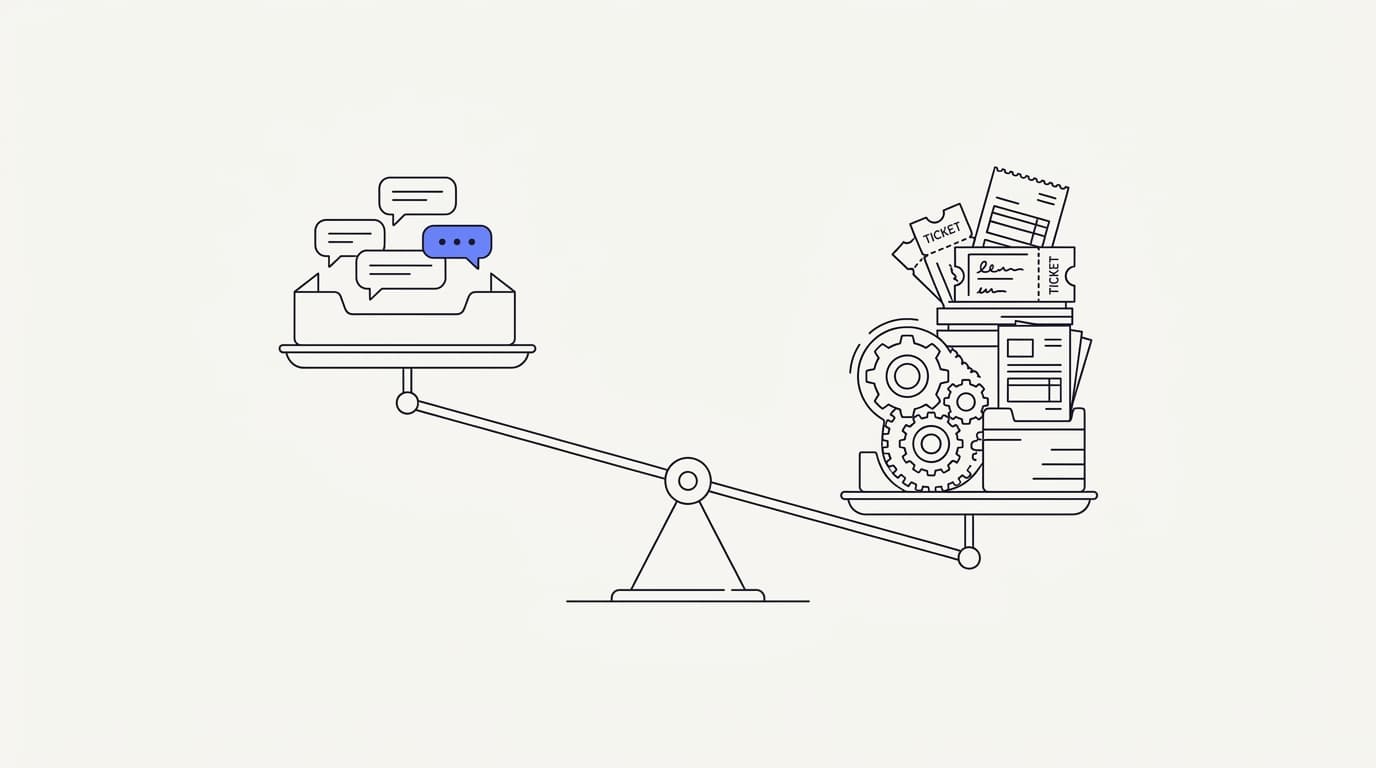
TL;DR: Shared inbox vs helpdesk is a positioning question, not a quality contest. A shared inbox is a single, collaborative mailbox where a team answers customer messages together, and it feels like email because it mostly is. A helpdesk is a heavier ticketing system built for structured workflows, routing rules, SLAs, and reporting at scale. This guide takes the honest position that team size, workflow weight, and ticketing overhead decide the winner, not a feature checklist. A small team drowning in a heavy helpdesk should downshift to a shared inbox, and a large multi-department team outgrowing a plain mailbox should graduate to a helpdesk. The newer wrinkle is that an AI agent grounded in your own content changes the math for both, because it resolves the repetitive majority before a human ever picks up. The right answer is the lightest tool that still covers your real workflow, and for a lot of teams that tool is a shared inbox with an AI layer, not a full helpdesk.
Ask a growing team how they handle support and you will hear one of two answers. Either everyone shares a mailbox and hopes nobody replies twice, or they run a helpdesk with queues, tags, and rules that took a week to configure. The shared inbox vs helpdesk debate is really a debate about how much machinery your support actually needs.
This guide is written for the person making that call: a founder, a support lead, or an ops owner staring at a mailbox that is starting to creak. It lays out what each tool is, where a shared inbox beats a heavy helpdesk, where a full helpdesk genuinely wins, and how an AI agent changes the decision. The goal is a clear choice, not a vendor pitch dressed as advice.
The honest framing up front is that neither tool is better in the abstract. A shared inbox wins on lightness and speed to value, a helpdesk wins on structure and scale, and most teams pick the wrong one because they copy a bigger company instead of reading their own workflow. If you want the sister comparison on channels rather than tools, the live chat vs AI agent breakdown covers that axis, while this post stays on shared inbox versus helpdesk.
What a shared inbox and a helpdesk actually are
A shared inbox is a single mailbox that a whole team works out of together. Instead of forwarding customer emails around or copying each other on replies, everyone sees the same conversations in one place and answers as the team. It feels like the email you already use, because at its core it is email with collaboration layered on top.
The defining trait of a shared inbox is lightness. There are no rigid ticket states to learn, no mandatory fields, and very little to configure before your first reply goes out. You add teammates, connect a channel, and start answering, which is why a shared inbox suits teams that want to help customers, not administer a system.
A helpdesk is a heavier animal built around the ticket. Every customer contact becomes a formal ticket with a status, an owner, a priority, and often a service-level agreement attached. That structure is powerful, and it is also overhead, because someone has to design the workflows, maintain the rules, and keep the taxonomy from rotting.
The two are not opposites so much as points on a spectrum of formality. A shared inbox optimizes for the smallest amount of process that still lets a team collaborate, while a helpdesk optimizes for control, auditability, and scale. Vendors like Zendesk built their reputation on the heavy end, and tools that market themselves as an Intercom alternative often win by offering less of that machinery, not more.
It helps to name what a shared inbox is not. It is not a personal mailbox with a few people cc-ed, because that has no shared state and everyone steps on each other. It is not a full ticketing platform either, because it deliberately skips the SLA engines and routing trees that a helpdesk lives on.
The distinction matters because teams routinely buy the wrong category. A three-person startup installs an enterprise helpdesk and spends more time configuring it than answering customers, while a fifty-person operation tries to run serious volume out of a raw Gmail alias and loses tickets in the cracks. Even Google will tell you a plain mailbox was never designed for team-scale support, which is exactly the gap both tools try to fill from opposite directions.
Shared inbox vs helpdesk: the core differences
 Communicate.so
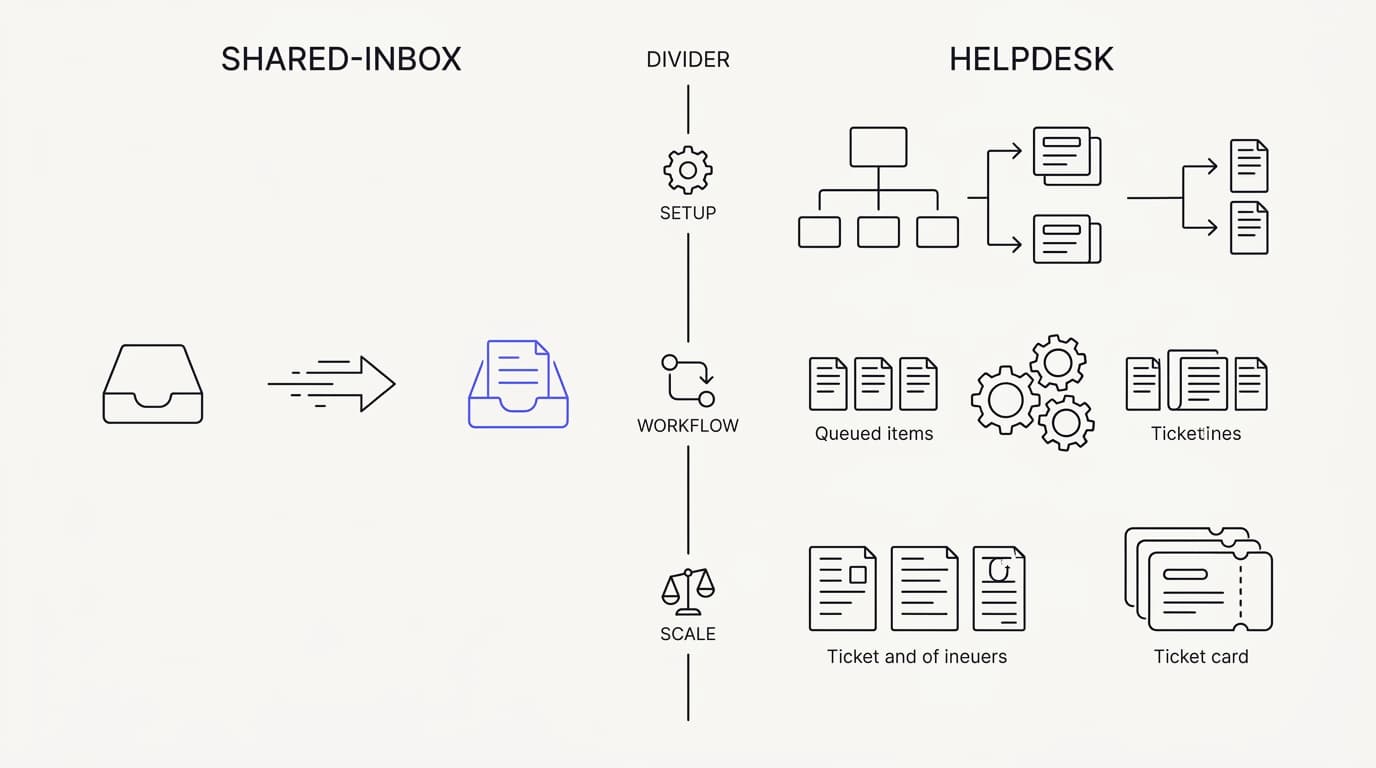
The core differences come down to weight, not capability lists. A helpdesk can do almost everything a shared inbox does and a great deal more, so a raw feature count always flatters the heavier tool. The honest comparison asks what each one costs you in setup, overhead, and daily friction, not just what it can technically do.
Setup is the first visible fork. A shared inbox is usually live the same day, because there is little to configure before you can reply. A helpdesk asks you to design queues, statuses, routing rules, and SLA policies first, and that upfront investment only pays back if you actually need the structure it produces.
Daily workflow is the second fork, and it is where the tools feel most different. In a shared inbox, answering a customer feels like answering an email, with presence and assignment quietly preventing collisions. In a helpdesk, answering means moving a ticket through states, and that ceremony is either valuable process or pure friction depending on your volume, a tension the shared inbox for AI and humans model tries to resolve.
Scale is the third fork, and it is the one that flips the answer. Below a certain volume and team size, a helpdesk's structure is overhead you pay for nothing. Above it, a shared inbox's lightness becomes a liability, because you genuinely need routing, SLAs, and reporting to keep a large operation honest.
The table below lays the forks out side by side. Read it as a map of trade-offs rather than a scorecard, because a checkmark against the helpdesk is often a cost as much as a benefit, and the right column for you depends entirely on your analytics and your team size.
| Capability | Shared inbox | Full helpdesk |
|---|---|---|
| Live same day, minimal configuration | ✓ | ✗ |
| Feels like a normal email inbox | ✓ | ✗ |
| Low overhead per conversation | ✓ | ✗ |
| Best for small and lean teams | ✓ | ✗ |
| Deep ticket workflows and states | ✗ | ✓ |
| SLA engines and escalation policies | ✗ | ✓ |
| Complex routing and automation rules | ✗ | ✓ |
| Enterprise reporting and audit trails | ✗ | ✓ |
Read the table as a bias, not a verdict. The shared inbox rows describe teams that want speed and low friction, and the helpdesk rows describe teams that need structure and can afford to maintain it. The moment your workflow genuinely needs the bottom four rows, a shared inbox will start to strain, and that is the signal to reconsider.
When a shared inbox beats a heavy helpdesk
 Communicate.so
A shared inbox wins when your workflow is lighter than your tool. The clearest sign is a team that spends more time managing tickets than answering customers. If your helpdesk has statuses nobody updates and rules nobody trusts, the process has become theater, and a shared inbox removes the theater.
Small teams are the natural home for a shared inbox. When five people can see every conversation and coordinate in a glance, you do not need routing rules to move work to the right person. The team is the routing, and adding a helpdesk on top just inserts machinery between the customer and the reply.
Speed to value is the second win, and it compounds. A shared inbox is answering customers the day you set it up, while a helpdesk rollout can eat a week of configuration before the first improved reply. For an early team, that week is expensive, and a shared inbox lets you skip it entirely and start learning from real conversations.
Low overhead per conversation is the third win, and it is easy to underrate. Every mandatory field, forced status, and required tag is a small tax on each reply, and at low volume those taxes add up to real drag. A shared inbox keeps the per-message overhead close to zero, which is exactly what a lean team needs.
The collaboration model is the fourth win, and it is quieter than the others. A good shared inbox gives you presence, assignment, and internal notes without the ceremony, so two people never answer the same customer and nobody has to guess who owns what. When an AI agent sits in that same inbox, the escalation into a human stays clean because the whole conversation lives in one place, not scattered across a ticket system.
There is a cost story here too, and it favors the lighter tool at small scale. Heavy helpdesks price for structure and seats you may not need yet, while a shared inbox keeps you paying for the help you actually give. For most teams under a certain size, the extra helpdesk capability is capacity you are renting and not using.
The honest boundary is that these wins are real only while you stay light. A shared inbox beats a heavy helpdesk for small, lean, fast-moving teams, and the advantage narrows as you grow, add departments, and take on formal SLA commitments. Know that the win has an expiry date, and watch for the signals in the next section that it has arrived, so you are not still nursing a mailbox when you have clearly outgrown it, a transition the shared inbox for AI and humans guide walks through in more depth.
When a full helpdesk genuinely wins
 Communicate.so
A full helpdesk wins when your workflow is genuinely heavy. This section is deliberately fair, because a shared inbox is not a universal answer, and pretending otherwise would steer larger teams wrong. When volume, complexity, and accountability all rise together, the structure a helpdesk provides stops being overhead and starts being the point.
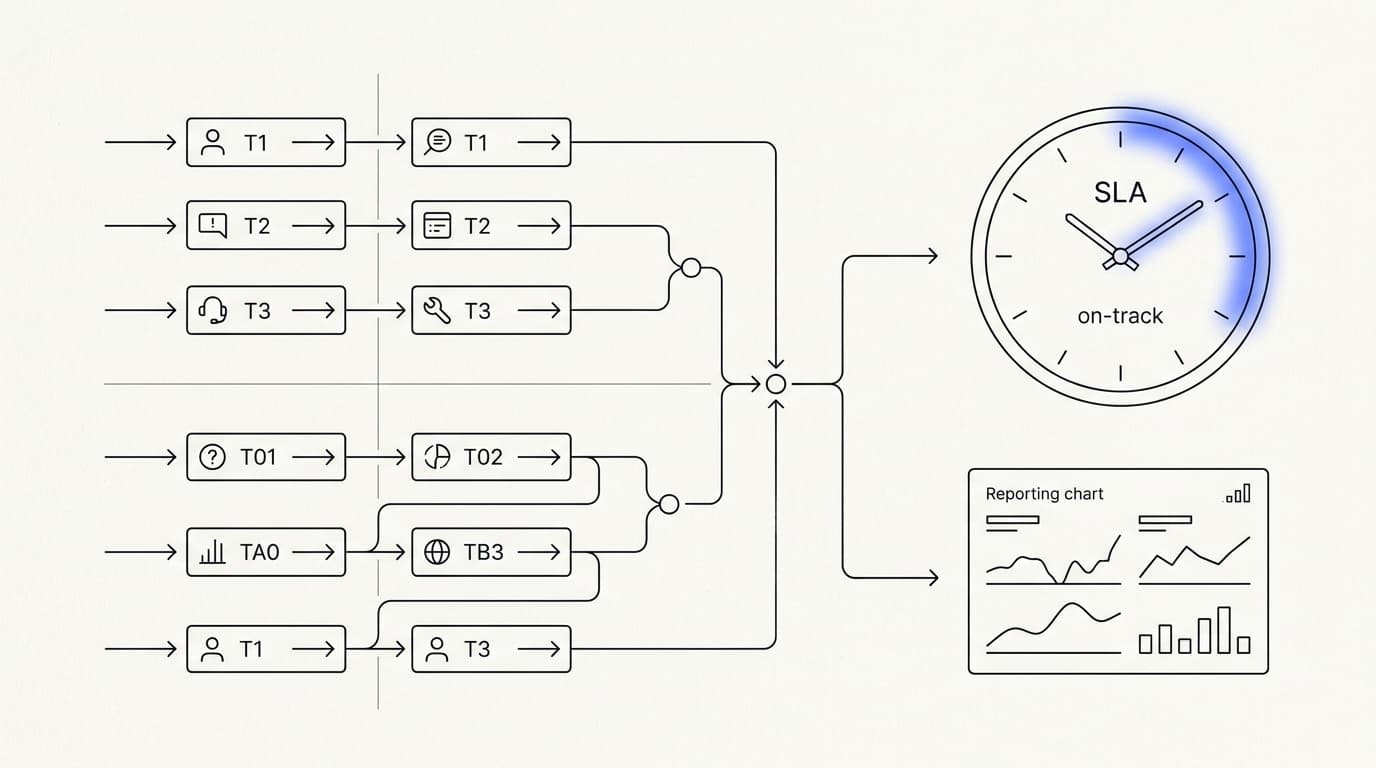
Scale is the first place a helpdesk earns its keep. When you have many agents, multiple departments, and thousands of conversations a week, you cannot rely on everyone seeing everything. You need routing rules that send billing to billing and technical issues to the right specialists, and that automation is native helpdesk territory.
Formal SLAs are the second place, and they are close to non-negotiable for some businesses. If you have promised customers a response within a set time, or you owe enterprise clients contractual support terms, you need a system that tracks, enforces, and reports against those commitments. A shared inbox can tell you a message is waiting, but a helpdesk is built to hold you to a first response time target and escalate before you breach it.
Complex workflows are the third place a helpdesk wins. Multi-step approvals, tiered support with formal handoffs between levels, and cases that stay open for weeks all benefit from rich ticket states. A shared inbox can track an open conversation, but it was never designed to model a long, branching process with audit requirements.
Deep reporting is the fourth place, and it matters most to larger operations. When leadership needs cohort analysis, per-queue performance, agent-level metrics, and defensible audit trails, a helpdesk's reporting engine is hard to replace. A lean tool gives you the essentials, and the RAND 2025 review of more than 2,400 enterprise AI initiatives, roughly 80% of which failed to deliver measurable value, is a reminder that operational discipline and measurement are where scaled support lives or dies.
Regulated and high-stakes environments are the fifth place. If you operate in finance, healthcare, or any setting with strict record-keeping and compliance obligations, the audit trail and access controls of a mature helpdesk are features you cannot skip. The overhead is the price of provable, defensible process, and at that level it is worth paying.
The fair conclusion is that a helpdesk is the right tool for large, structured, accountable operations, full stop. If you see yourself in these paragraphs, a shared inbox will feel thin and you should not force it. The mistake most teams make runs the other way, buying that heavy structure years before they need it, which the Nielsen Norman Group has long framed as choosing complexity your users and your team cannot yet absorb.
The AI-native angle: how an AI agent shifts the choice
 Communicate.so
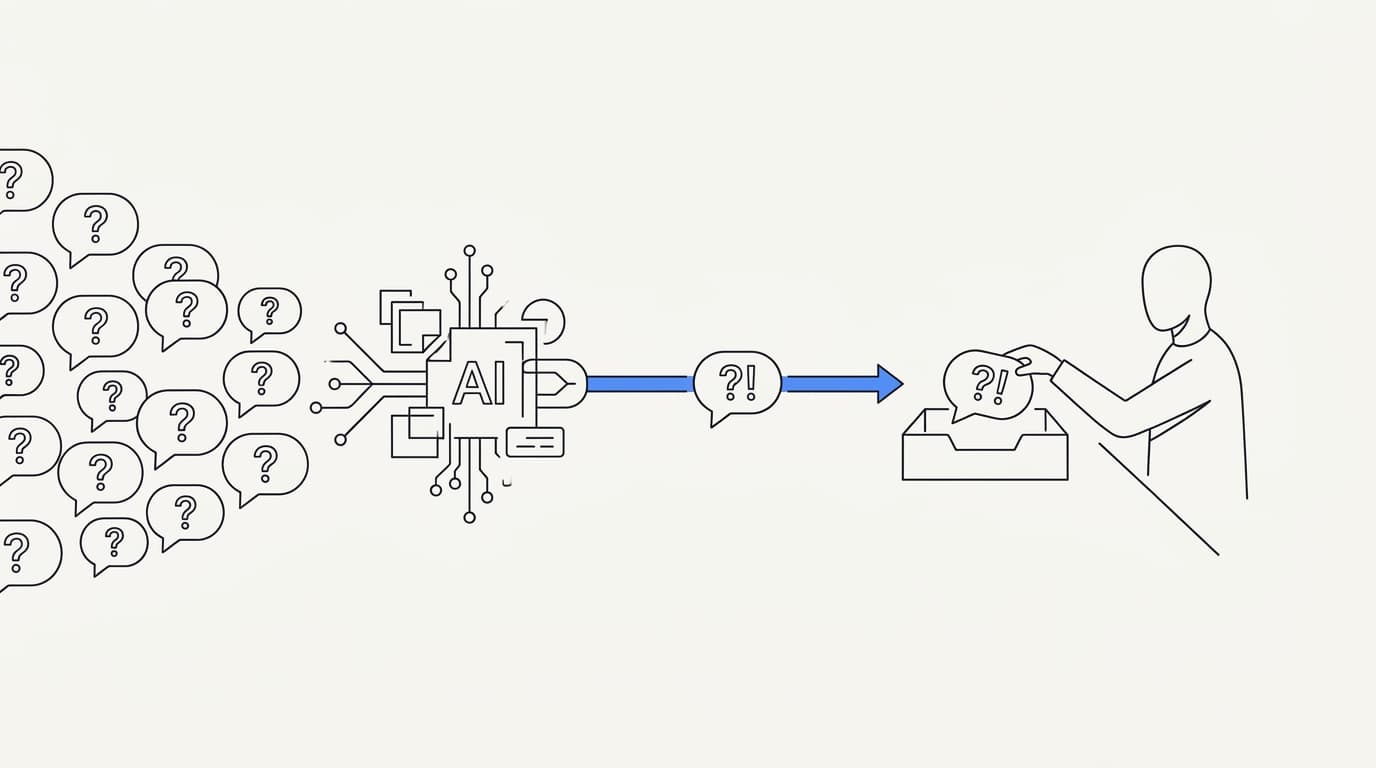
An AI agent changes the shared inbox versus helpdesk math for everyone. Both tools were designed around the assumption that a human reads and answers every message. When a grounded AI agent resolves the repetitive majority first, the volume a human tool has to carry drops sharply, and that shrinks the case for heavy machinery.
The traditional argument for a helpdesk is volume. When thousands of tickets pour in, you need routing, queues, and SLAs simply to keep the flood organized. But a large share of that flood is the same documented questions asked again, and an AI agent grounded in your content can answer those without a human touching them.
Remove the repetitive majority and the remaining human volume looks very different. Gartner has projected that by 2029, agentic AI will autonomously resolve 80% of common customer service issues without human intervention (Gartner). If even a fraction of that holds for your queue, the tickets a human tool must handle shrink enough that a lean shared inbox can often carry what used to demand a helpdesk.
This is the AI-native angle, and it reframes the whole decision. The question is no longer how much machinery you need to organize human agents through a flood of tickets. It is how few humans, in how light a tool, you need once an AI agent has already resolved the documented questions.
The handoff is where the AI-native model has to be right, and it is where a shared inbox has a structural edge. When the agent is unsure, it should escalate to a person cleanly, with the full conversation intact and no cold restart. A shared inbox keeps the AI and the human on one surface, so the AI to human handoff is a smooth pass rather than a ticket thrown over a wall.
Grounding is the non-negotiable underneath all of this. An AI agent that guesses will confidently state a wrong refund window or a feature that does not exist, and on a support channel that lands as an official promise. The AI-native shortcut only works when the agent answers from your actual content and refuses when it does not know, which is why answer quality tracks the sources you connect far more than the model you pick.
The practical takeaway is that AI does not just improve support, it lowers the tool you need to run it. A shared inbox that once looked too thin for your volume can become the right choice once an AI agent absorbs the repetitive load, and repeating information stays one of the loudest customer complaints, with Zendesk's 2024 CX Trends research finding 74% rank it among their biggest annoyances (Zendesk), which a clean single-surface handoff is built to avoid.
How to choose between a shared inbox and a helpdesk
Choosing well is less about features and more about honestly reading your own workflow. The instinct is to compare capability lists and pick the tool that can do more, but that reasoning always points at the helpdesk and often points wrong. The better method is to start from your team, your volume, and your real process, then pick the lightest tool that covers them.
Start by sizing your team and your volume honestly. A handful of people answering a manageable stream of conversations is shared inbox territory, and no amount of future ambition changes that today. A large, multi-department operation with heavy volume is helpdesk territory, and trying to run it out of a mailbox will lose you tickets.
Next, weigh your workflow, not your wish list. If your process is mostly read the question, find the answer, reply, a shared inbox fits, and the ceremony of ticket states would only slow you down. If your process genuinely involves routing, approvals, tiered escalation, and SLA enforcement, a helpdesk is doing real work, and the first response time targets you owe customers may make that structure mandatory.
Then account for the AI layer before you commit. If an AI agent will resolve the repetitive majority of your questions, subtract that volume before you judge how much human tooling you need. Many teams discover that once the documented questions are automated, the human remainder fits comfortably in a shared inbox that looked too small on paper.
Do not overbuy for a future you have not reached. The common error is picking the heavy tool because you plan to be big someday, then paying the overhead for years before the scale arrives. Choose for the team you are now, and treat migration to a helpdesk as a decision you make later, from evidence, not from ambition, the same discipline McKinsey has long urged for operational tooling.
Finally, factor in cost against real usage rather than the sticker sheet. A heavy helpdesk prices for structure and seats, and much of that capacity sits idle at small scale, while a lean tool tracks the help you actually give. Compare your pricing options against the workflow you truly run, not the one you imagine, and let the lightest sufficient tool win.
Where Communicate fits, honestly
Communicate is a grounded AI support agent paired with a lean shared inbox, not a heavy helpdesk. The AI agent trains on your connected data through retrieval and hands off when it is unsure, and the Shared Inbox uses presence-based human takeover with a per-turn backstop so the AI never talks over a person mid-reply. It is built for the case this guide keeps landing on, a light tool made viable because AI absorbs the repetitive majority first.
Here is what it does without embellishment. The live channels are a web widget, live chat, and email, with in-app messages, analytics, and scoped actions running from the same agent and knowledge base, so behavior stays consistent across every surface. There is no WhatsApp, Messenger, SMS, or voice, so if any of those is a hard requirement it is not your best fit today.
On the model, Communicate runs a single model, gpt-4o-mini through OpenRouter, with response and prompt caching to keep cost and latency down. That is deliberate, because the guardrails and the content you connect drive answer quality far more than swapping models does. If you are weighing it against heavier platforms, the Intercom alternative comparison places it against the traditional helpdesk end of the market.
On pricing, there is no free tier. Entry is a one-time $1 activation that confirms you are a real person and includes 100 test credits, then credit-based usage from there, which keeps support cost tracking usage rather than headcount. You can see the details on the pricing page, and spend those test credits on your ugliest real questions before you trust the agent live.
Now the honest limits. Communicate is GDPR-ready but not certified, holds no SOC 2, HIPAA, or ISO 27001, runs in a single region, and does not offer SSO. It supports TOTP two-factor authentication, encryption at rest, and workspace isolation, a posture stated plainly on the product, and if you are a regulated enterprise that needs a heavy helpdesk with formal compliance, this guide already told you honestly that is a different tool.
Questions go to [email protected].
Key takeaways
- Shared inbox vs helpdesk is a positioning question decided by team size, workflow weight, and ticketing overhead, not by a feature count that always flatters the heavier tool.
- A shared inbox wins for small, lean, fast-moving teams: same-day setup, email-like workflow, and near-zero overhead per conversation.
- A full helpdesk genuinely wins at scale, with routing, SLAs, complex workflows, deep reporting, and compliance that structure is built to serve.
- An AI agent that resolves the repetitive majority shrinks the human volume, which often makes a lean shared inbox viable where a helpdesk once looked necessary.
- Choose the lightest tool that covers your real workflow today, subtract the volume AI will absorb, and migrate to a helpdesk later from evidence rather than ambition.
Ready to run support in a lean shared inbox with an AI agent carrying the repetitive load? Start with a one-dollar account activation that includes 100 test credits, connect your content to the AI agent, and test it on your real questions before you go live. If you are still weighing tools against the heavy end, the Intercom alternative comparison is the right next read.
Frequently asked questions
What is the difference between a shared inbox and a helpdesk?
A shared inbox is a single collaborative mailbox where a team answers customer messages together, and it feels like email with light collaboration on top. A helpdesk is a heavier ticketing system built around formal ticket states, routing, SLAs, and reporting. The core difference is weight: a shared inbox minimizes process, while a helpdesk adds structure you must design and maintain.
Is a shared inbox the same as a ticketing system?
No. A ticketing system turns every contact into a formal ticket with a status, owner, and priority, and it lives on that structure. A shared inbox tracks open conversations without forcing them through rigid states, so it feels like a normal inbox rather than a database of tickets.
The shared inbox trades formal ticket workflows for speed and low overhead.
When should I use a shared inbox instead of a helpdesk?
Use a shared inbox when your team is small, your volume is manageable, and your workflow is mostly read, answer, reply. If you are spending more time managing ticket states than helping customers, the helpdesk has become overhead. A shared inbox removes that ceremony and gets you answering the same day you set it up.
When is a full helpdesk worth it?
A helpdesk is worth it when scale, complexity, and accountability rise together: many agents, multiple departments, heavy volume, and formal SLAs. At that point routing rules, escalation policies, and deep reporting stop being overhead and start being the point. If you owe contractual response times or operate under compliance rules, a helpdesk that enforces a first response time target is hard to replace.
Can a shared inbox scale with my team?
It scales further than people expect, especially with an AI agent absorbing repetitive volume, but it has a ceiling. As you add departments, agents, and formal SLA commitments, a shared inbox starts to strain against work a helpdesk was built for. The honest signal to graduate is when you genuinely need routing rules and SLA enforcement, not just more people in the same mailbox.
Does a shared inbox support SLAs?
A shared inbox can show you which conversations are waiting and for how long, but it is not built to enforce and report against formal service-level agreements. If you have promised customers or enterprise clients contractual response and resolution times, a helpdesk with a real SLA engine is the safer tool. For informal response goals without contractual weight, a shared inbox is usually enough.
What team size is a shared inbox best for?
A shared inbox is at its best for small and lean teams, roughly where everyone can see the whole queue and coordinate at a glance. In that range the team itself is the routing, so you do not need a helpdesk's rules to move work around. Once you cross into large, multi-department operations, the lightness that made a shared inbox great starts to work against you.
Is a helpdesk overkill for a small business?
Usually yes. Small businesses tend to buy a heavy helpdesk for a future scale they have not reached, then pay the configuration and maintenance overhead for years before the volume arrives. A shared inbox covers a small business real workflow with far less friction.
The right move is to choose for the team you are now and migrate later from evidence.
Can I add AI to a shared inbox?
Yes, and it is one of the strongest reasons to choose the lighter tool. A grounded AI agent sitting in the same inbox resolves the repetitive majority of questions and hands off cleanly when it is unsure. Because the AI and the human share one surface, the escalation carries full context, which is exactly the collaboration a shared inbox is designed for.
How does an AI agent change the shared inbox vs helpdesk decision?
An AI agent absorbs the repetitive volume that traditionally justified a helpdesk's routing and queues. Gartner projects agentic AI will resolve 80% of common customer service issues by 2029 (Gartner). Subtract that load and the human remainder often fits comfortably in a shared inbox that looked too small on paper, which is why AI tilts many decisions toward the lighter tool.
Does a shared inbox handle live chat?
It can, when the tool combines channels. Communicate runs live chat, a web widget, and email through the same shared inbox and the same agent, so conversations from every channel land in one place. That single surface is what keeps a live chat vs AI agent handoff clean, because a human picking up a chat sees the full history without a cold restart.
What channels does a shared inbox cover?
It depends on the tool. Communicate covers a web widget, live chat, and email, plus in-app messages, all from one agent and one knowledge base so answers stay consistent across surfaces. It does not cover WhatsApp, Messenger, SMS, or voice.
If a messaging app or phone line is a hard requirement, confirm channel support before committing to any tool, whether shared inbox or helpdesk.
Can multiple agents work the same inbox without collisions?
Yes, that is the whole point of a shared inbox over a plain mailbox. Presence and assignment show who is looking at and who owns each conversation, so two people never answer the same customer. Communicate adds presence-based human takeover with a per-turn backstop, so the AI agent never talks over a person who has stepped in mid-reply.
Is a shared inbox cheaper than a helpdesk?
At small scale, usually yes, because a heavy helpdesk prices for structure and seats you may not use yet. A lean tool tracks the help you actually give rather than the capacity you might one day need. Compare your pricing options against your real workflow, not the sticker sheet, and the lighter tool often wins on cost until you truly scale.
Do I lose reporting if I choose a shared inbox?
You get the essentials, not an enterprise reporting suite. A shared inbox with analytics will show you resolution, response times, and volume trends, which is enough for most small and mid-size teams. If leadership needs cohort analysis, per-queue metrics, and defensible audit trails at scale, a helpdesk's deeper reporting engine is the stronger fit.
How do human handoffs work in a shared inbox?
When the AI agent is unsure, it escalates the conversation to a person on the same surface, with the full history intact. Because nothing is thrown over a wall into a separate ticket system, the AI to human handoff is a smooth pass rather than a cold restart. A single shared inbox is structurally better at this than tools that split the AI and the human across systems.
Can I migrate from a shared inbox to a helpdesk later?
Yes, and that is the recommended path for most growing teams. Start with the lightest tool that covers your workflow today, then migrate to a helpdesk when the evidence shows you genuinely need routing, SLAs, and deep reporting. Choosing the heavy tool years early costs you overhead for scale you have not reached, so migrating on evidence beats overbuying on ambition.
Does a helpdesk improve customer satisfaction over a shared inbox?
Not on its own. Customers care about fast, correct, human-feeling answers, and neither tool guarantees those. A shared inbox can deliver excellent satisfaction for a lean team, while a poorly configured helpdesk can hurt it with clumsy routing and repeated information.
The tool matters less than grounding, clean handoffs, and speed, which either category can get right or wrong.
What is the fastest way to start with a shared inbox?
Connect a channel, add your teammates, and start answering, because a shared inbox needs little configuration before it is useful. To get the most from it, connect your content to a grounded AI agent so the repetitive questions resolve themselves. With Communicate, a one-time $1 activation includes 100 test credits you can spend testing on your real questions before you go live.
Which should a startup choose, a shared inbox or a helpdesk?
Most startups should choose a shared inbox, ideally with an AI agent, and revisit the decision as they scale. A startup rarely has the volume or department structure that justifies a helpdesk's overhead, and the ceremony would slow a small team down. Pick the shared inbox now, let AI carry the repetitive load, and graduate to a helpdesk later only when the evidence demands it.