
Train AI on help center: turn docs into agent knowledge
 Communicate.so
Train AI on your help center: structure articles, fix coverage gaps, chunk for retrieval, and keep support answers accurate as docs change.
TL;DR: To train AI on your help center, you turn support articles into knowledge an agent can retrieve and answer from, and the quality of that data decides everything. This guide is the practical how-to: audit your content for coverage gaps, structure and chunk articles so retrieval finds the right passage, test that the agent pulls the correct answer, and keep the knowledge fresh as your product changes. The work is mostly editorial rather than technical, because a grounded agent is only as good as the articles behind it. Do this well and the agent resolves the repetitive majority of your queue; skip it and you get a confident bot that answers the wrong thing fast.
Most teams reach for an AI agent expecting the setup to be the hard part, then discover the real work is their help center. Connecting a knowledge base takes an afternoon. Getting the agent to answer correctly takes a pass over the content it reads, because retrieval can only surface what your articles actually say.
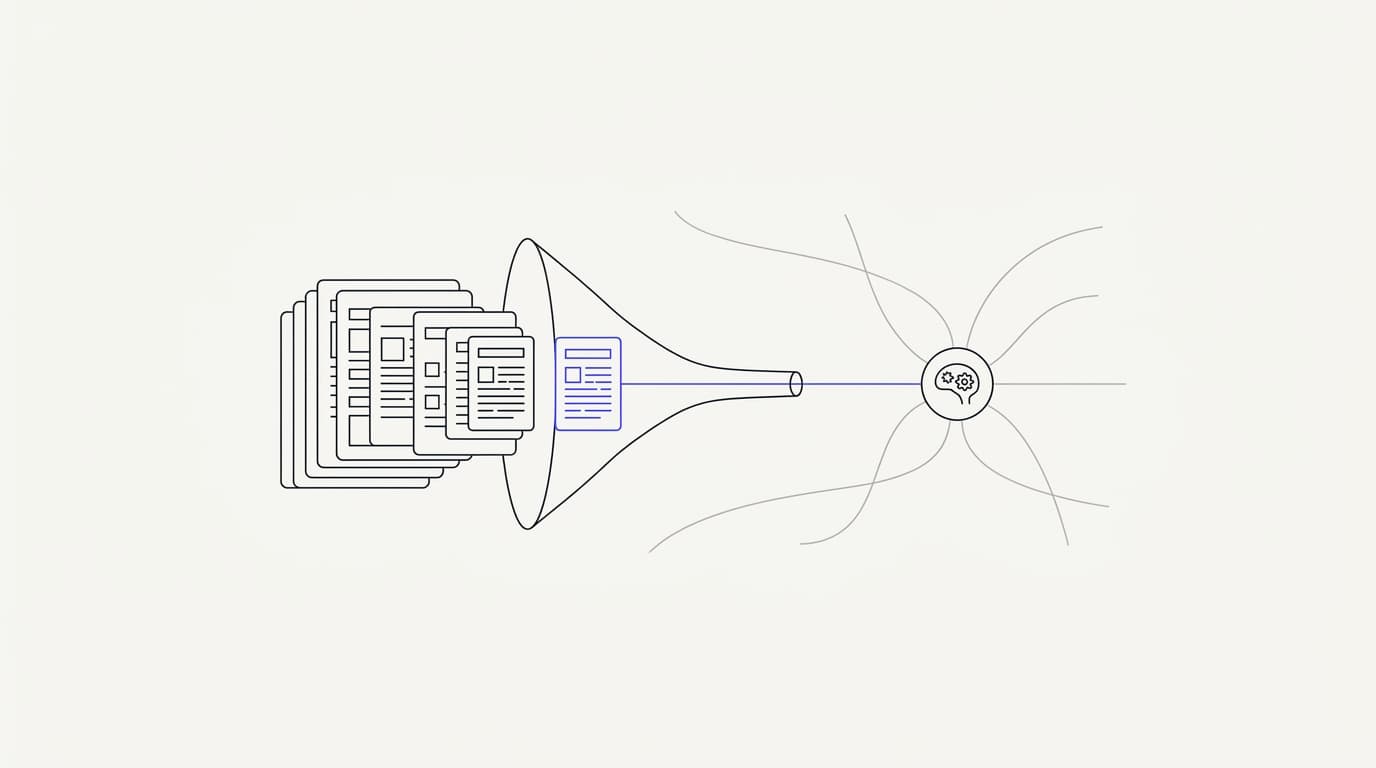
The phrase "train AI on help center" is slightly misleading, and it is worth fixing before you start. You are not fine-tuning a model on your docs. You are ingesting your articles into a knowledge base so the agent can retrieve the relevant passage at answer time, a pattern covered in RAG for customer support.
That distinction changes what you optimize: not model weights, but the clarity, structure, and coverage of the content itself.
This guide is for the person who owns the help center and the agent: a support lead, a docs owner, or a founder wiring up an AI agent for the first time. It walks the full loop end to end, what makes an article answerable, how to find the gaps, how to chunk for retrieval, how to test, and how to keep it fresh. If you want the broader build sequence around this, how to build an AI customer support agent is the companion read, and this post is the deep dive on the knowledge layer inside it.
What training AI on a help center actually means
Before you touch a single article, it helps to be precise about what the agent does with your content. The mental model you carry into this work decides whether you edit the right things. Get it wrong and you polish prose the agent never reads the way you think.
The agent answers by retrieval, not memory. When a customer asks a question, the system searches your ingested content for the passages most relevant to that question, then the model writes an answer grounded in what it found. It is not recalling your docs from training, it is reading them fresh each time, which is why the text has to carry the answer plainly.
This is grounded generation, and it is the single most important property to understand. A grounded agent draws its answer from your connected data sources rather than the model's general knowledge, so a well-built one hands off when retrieval finds nothing rather than inventing a plausible reply. That failure-safe behavior is what keeps a support agent trustworthy, and it depends entirely on the content behind it.
The practical consequence is blunt: your help center is the training data, and its weaknesses become the agent's weaknesses. A gap in coverage becomes a question the agent cannot answer. A vague article becomes a vague answer.
Contradictory articles become a coin flip, which is exactly the kind of failure that drives the hallucination problem covered in how to reduce AI hallucinations in support.
So the work ahead is mostly editorial, not technical. You are not tuning a model, you are making your content answerable, findable, and current. The rest of this guide is the practical version of that sentence, broken into the loop you run once to launch and then keep running as your product moves.
Why help-center content is the right training data
Of all the material you could feed an agent, your help center is usually the best starting point. It was written to answer customer questions, which is exactly the job the agent is taking on. That alignment is not an accident, and it is worth understanding before you decide what else to add.
Help-center articles carry three properties that make them ideal retrieval data. They are written in question-and-answer shape, so they map cleanly to what customers ask. They are curated and reviewed, so they carry less noise than a raw ticket dump.
And they represent your official, sanctioned answers, which is what you want an AI agent repeating rather than a support agent's off-the-cuff reply from two years ago.
The stakes for getting the data right keep climbing. Gartner has projected that by 2029, agentic AI will autonomously resolve 80% of common customer service issues without human intervention (Gartner). Those are precisely the documented, repetitive questions your help center already answers, which is why the content you ingest is the lever that decides how much of that volume your agent can safely carry.
The honest counterweight is that good intentions do not equal good outcomes. RAND's 2025 review of more than 2,400 enterprise AI initiatives found roughly 80% failed to deliver measurable value (RAND), mostly on operational discipline rather than model quality. In a support context, operational discipline mostly means the boring content work this guide describes, not a cleverer model.
Help-center content also has known weaknesses you inherit the moment you ingest it. Articles drift out of date, they overlap and contradict each other, and they often assume context a new customer does not have. The loop below exists to catch those before they reach a customer, because the agent will not catch them for you.
What makes a help-center article answerable
 Communicate.so
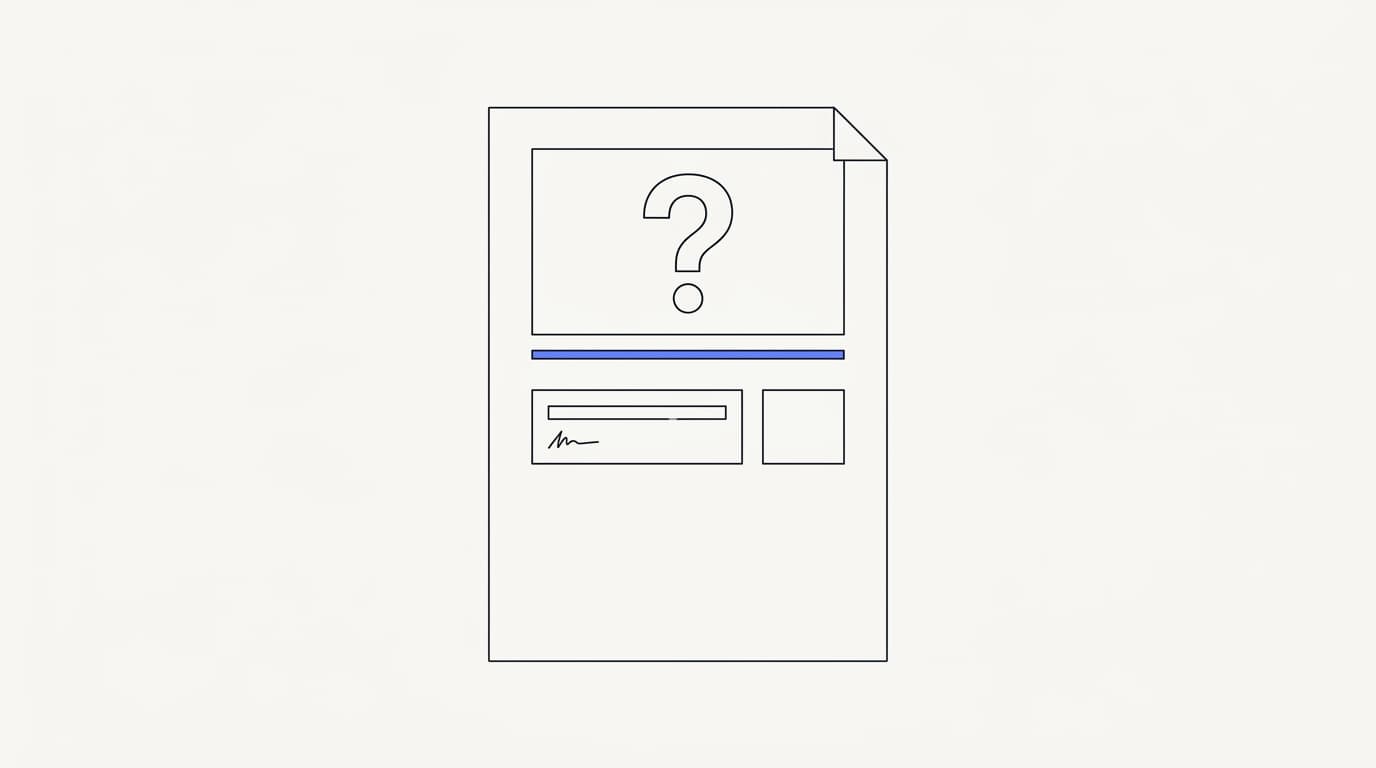
The unit of AI training is the article, so the first skill is recognizing what makes one answerable. An answerable article gives the agent a clean passage it can retrieve and quote with confidence. An unanswerable one forces the agent to guess, stitch, or give up.
An answerable article leads with the question a customer would actually type. Retrieval matches the customer's phrasing against your text, so an article titled around the real question retrieves better than one titled with an internal feature name. Write the heading the way a frustrated customer would search, not the way your product team names things.
It answers directly, near the top, in plain language. The agent tends to surface the most relevant passage, so burying the answer under three paragraphs of preamble hurts retrieval. State the answer first, then explain, the inverted-pyramid style that usability researchers at the Nielsen Norman Group have recommended for web content for years.
It is self-contained. An article that says "as mentioned above" or leans on a screenshot to carry the answer leaves the agent with a hole, because retrieval may pull that passage without its context. Each article, and ideally each section, should make sense on its own, since the agent reads passages, not whole pages the way a human browses.
It also states one thing clearly rather than many things vaguely. An article that tries to cover billing, refunds, and cancellations in one sprawling page gives retrieval a muddy target and the model a muddy source. One clear question per article, answered plainly, beats a comprehensive page that answers everything a little.
Finally, an answerable article uses the customer's words, not only your jargon. If customers say "my card got declined" and your article says "payment authorization failure," retrieval may miss the match entirely. Include both, because the goal is for the agent to find the answer to the question as asked, a principle we return to in the AI support agent implementation guide.
Audit your help center for coverage gaps
 Communicate.so
You cannot fix what you cannot see, so the loop starts with an honest audit of what your content covers and what it misses. A coverage gap is any question customers ask that no article answers, and it is the most common reason a fresh agent underperforms. The good news is that your ticket history already tells you where the gaps are.
The audit is a matching exercise between demand and supply. Demand is what customers actually ask, and supply is what your help center actually answers. Where they line up, the agent can resolve; where demand exists with no supply, the agent will fail or escalate, which you can watch later in analytics.
Run the audit as a concrete sequence rather than a vibe check. The steps below turn a fuzzy sense that your docs are incomplete into a ranked list of articles to write, which is the output you actually need.
- 1. Pull 100 to 200 recent tickets, weighted toward your highest-volume topics rather than a random sample.
- 2. Cluster them into question themes, grouping every phrasing of the same underlying question together.
- 3. For each theme, check whether a help-center article answers it clearly, directly, and on its own.
- 4. Mark each theme as covered, partially covered, or missing, and note articles that are out of date while you are there.
- 5. Rank the missing and partial themes by ticket volume, so you write the highest-impact articles first.
Two failure patterns show up in almost every audit. The first is the silent gap: a high-volume question with no article at all, usually because the answer lived in your team's heads or in old ticket replies. The second is the stale article, technically present but describing a flow or price that changed, which is worse than a gap because the agent will confidently repeat something wrong, the exact risk detailed in how to reduce AI hallucinations in support.
Do not try to reach total coverage before launching. Aim to cover your top themes by volume, since a small number of question types usually account for most of your ticket traffic. You close the long tail over time using the agent's own escalation data, which points straight at the next articles to write.
Structure and chunk articles for retrieval
 Communicate.so
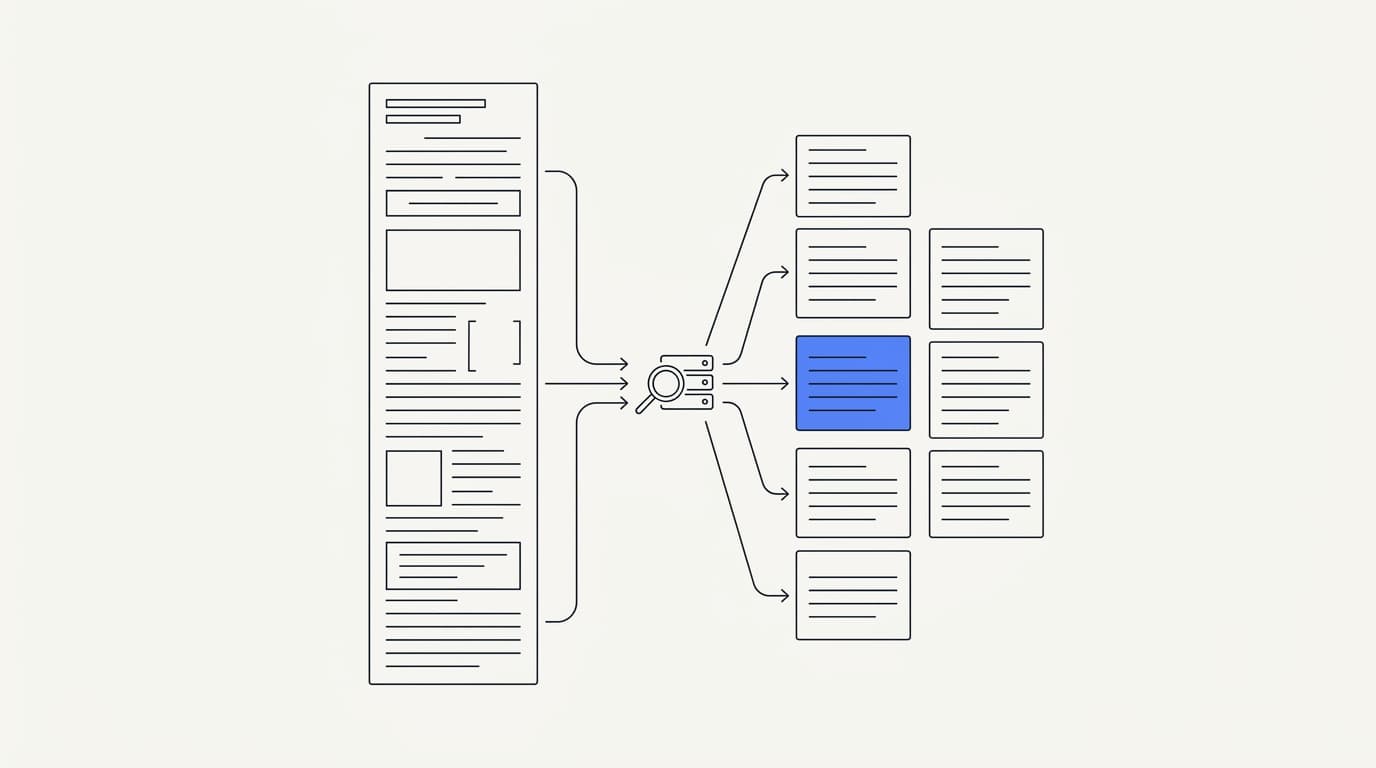
Retrieval does not read your whole article, it reads pieces of it, so how those pieces are cut matters as much as what they say. This cutting is called chunking, and it is where a lot of quietly bad answers come from. A clean article chunked badly still retrieves badly.
Chunking is the process of splitting your content into passages the retrieval system indexes and searches over. When a customer asks a question, the system finds the most relevant chunks and hands them to the model. If a chunk splits an answer in half, or bundles two unrelated answers together, the model gets a poor source to work from.
You influence chunk quality mostly through structure, which is the lever you actually control. Clear headings, short focused sections, and one idea per section all push the system toward clean chunk boundaries. This is why the editorial work pays off twice: readable articles also chunk well, a convenient overlap the data sources ingestion relies on.
Follow a few structural rules and most chunking problems disappear before they start. These are not exotic, they are the same habits that make documentation readable for humans, applied deliberately.
- 1. Use descriptive headings and subheadings, so each section announces exactly what question it answers.
- 2. Keep each section focused on one idea, so a chunk boundary falls between topics rather than through the middle of one.
- 3. Put the answer close to its heading, so a retrieved chunk carries both the question context and the answer.
- 4. Spell out context in text rather than relying on an image, since retrieval indexes words, not what a screenshot shows.
- 5. Split a sprawling article into several focused ones when it covers genuinely separate questions.
There is a length balance to strike, and both extremes hurt. Chunks that are too small lose the context needed to answer, while chunks that are too large dilute the relevant passage with noise and can crowd the model's context. Structuring around one clear idea per section tends to land chunks in the useful middle without you having to tune anything, which matters because Communicate runs a single model, gpt-4o-mini through OpenRouter, with prompt and response caching where a focused source keeps answers tight.
Metadata helps too, where your help center supports it. Tags, categories, and clear titles give retrieval extra signal about what a chunk is for, which sharpens matching on ambiguous questions. You do not need a perfect taxonomy, but consistent categories are a cheap win that compounds as your library grows.
Test that the agent retrieves the right answer
Structuring content well is a hypothesis, and testing is how you confirm it. An agent that sounds fluent can still be retrieving the wrong article, and fluent-but-wrong is the most dangerous failure in support because it looks fine. So you test retrieval directly, against your own material, before you trust it live.
Test with real questions, not clean ones. Salespeople demo with the three tidy questions the agent handles perfectly, but customers send half-typed, misspelled, context-free messages, and those are the ones that expose retrieval gaps. Communicate's one-time $1 activation includes 100 test credits for exactly this, so spend them on the ugly questions from your ticket history rather than the flattering ones.
Score each test answer on three axes rather than a gut feeling. Was it factually correct against your own docs, did it match your voice and tone, and did it escalate cleanly when it should not have answered at all. The third axis matters most, because an agent that guesses on an out-of-scope question fails no matter how fluent it sounds.
Watch specifically for the failure modes that content causes. A wrong-article retrieval means two topics are too similar or poorly separated, fix it by splitting or clarifying. A confident answer to a question you have no article for means the agent is not escalating when it should, which is a guardrail problem as much as a content one, and the AI to human handoff design is where you tighten it.
Set a go/no-go bar before you see results. A common bar is roughly 90% factual accuracy with zero invented answers on out-of-scope questions, judged on your own test set. Deciding the threshold in advance keeps you honest, because it is easy to talk yourself into shipping a fluent agent that quietly fails the questions that matter.
Keep the knowledge fresh as your product changes
 Communicate.so
Training an agent on your help center is not a one-time project, because your product does not hold still. Prices change, features ship, flows get redesigned, and every one of those changes can turn a correct article into a wrong one. A stale knowledge base is how a good agent slowly becomes a liability.
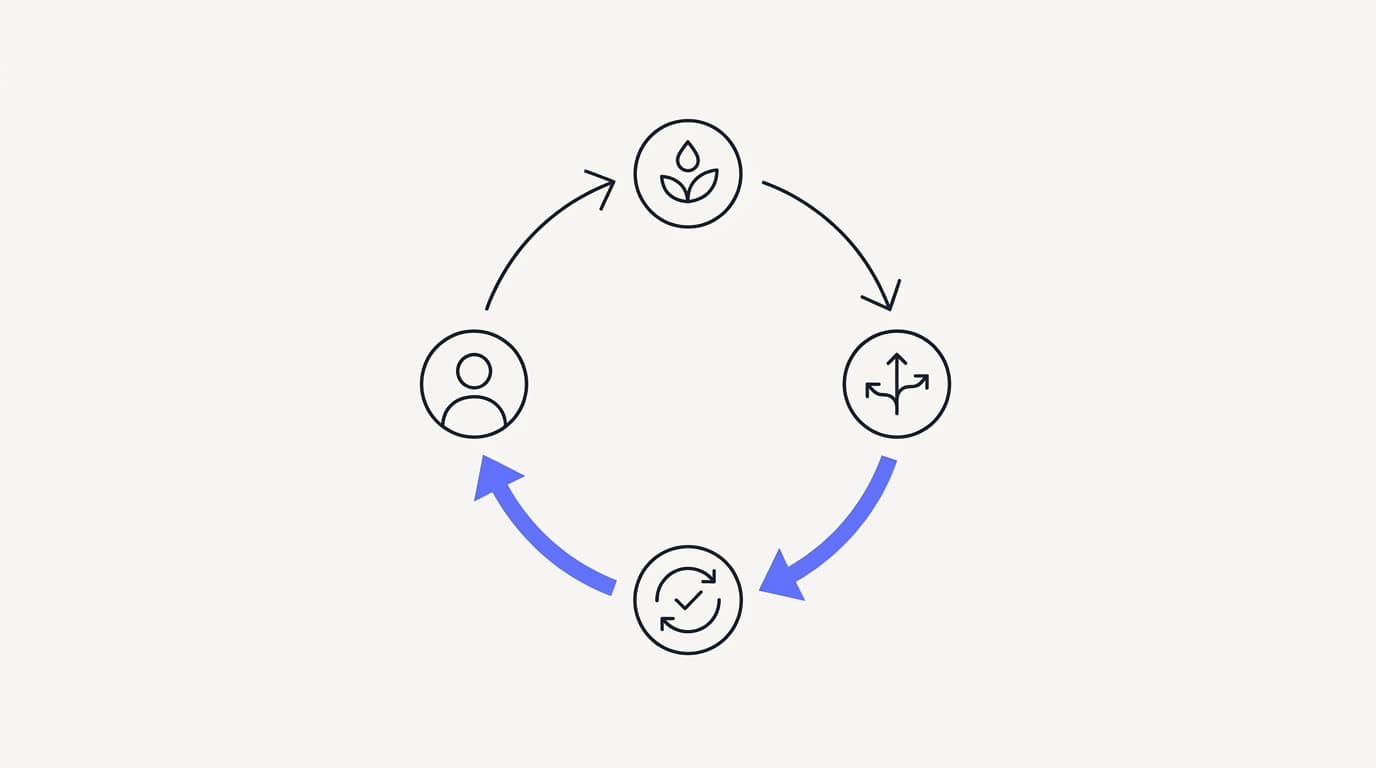
Freshness is an operational habit, not a feature you switch on. The core discipline is simple: when the product changes, the article changes, and the change gets re-ingested so the agent reads the new version. Tie doc updates to your release process the way you would tie analytics review to a weekly ritual, so nothing depends on someone remembering.
Run a lightweight maintenance loop on a regular cadence. It does not need to be heavy, it needs to be consistent, because a small check every week beats a giant cleanup twice a year that never quite happens.
- 1. After any product change, update the affected articles and re-ingest them into the knowledge base.
- 2. Weekly, review the agent's escalations to find questions it could not answer, and write or fix the articles behind them.
- 3. Monthly, spot-check retrieval on your highest-volume questions to catch drift before customers do.
- 4. Quarterly, prune duplicate and contradictory articles, since overlap confuses retrieval more than a missing article does.
Your best source of new articles is the agent itself. Every time it escalates for lack of an answer, it is pointing at a real coverage gap that a real customer just hit. Feeding those escalations back into the help center is the loop that turns a decent agent into a good one, and it costs almost nothing because the demand signal is already there.
Treat contradictions as urgent, not cosmetic. Two articles that give different answers to the same question force retrieval to pick, and it may pick wrong, which produces exactly the inconsistent behavior that erodes trust. Customers who get a wrong answer and have to repeat themselves are a real cost: Zendesk's 2024 CX Trends research found 74% rank repeating information among their biggest frustrations (Zendesk).
A quick checklist for answerable content
The whole loop compresses into a checklist you can run against any article. Use it when writing new content and when auditing old content, since the same properties decide both. The table below turns the guide into a pass or fail you can apply in seconds.
| Content property | Helps AI retrieval | Hurts AI retrieval |
|---|---|---|
| Heading matches the real customer question | ✓ | ✗ |
| Answer stated directly near the top | ✓ | ✗ |
| Section is self-contained without images | ✓ | ✗ |
| One clear question per article | ✓ | ✗ |
| Uses customer wording, not only jargon | ✓ | ✗ |
| Kept current with the product | ✓ | ✗ |
| Duplicates or contradicts another article | ✗ | ✓ |
| Answer lives only inside a screenshot | ✗ | ✓ |
Read the table as a quality gate, not a scoring rubric. An article that lands on the wrong side of any row is a retrieval risk, and fixing it is usually a small edit rather than a rewrite. Run every high-volume article through these rows before you trust the agent to answer from it.
Where Communicate fits, honestly
Communicate is built to train an agent on your own content and hand off when it is unsure, so it fits teams that want the knowledge layer to be the product rather than an afterthought. The Data Sources feature ingests your help center and other content into the agent's knowledge base, and the AI Agents overview shows how retrieval and handoff fit together. If your plan is a fully human queue with no automation, it is not the tool for you, and you should know that before you evaluate.
Here is what it does without embellishment. The agent trains on your data through grounded retrieval and escalates rather than guessing when retrieval finds nothing. The live channels are a web widget, live chat, and email, with in-app messages, analytics, and scoped actions running from the same agent and knowledge base, so answers stay consistent across every surface.
On the model, Communicate runs a single model, gpt-4o-mini through OpenRouter, with response and prompt caching to keep cost and latency down. That is a deliberate choice, because the quality of the content you ingest drives answer quality far more than swapping models does. This entire guide exists because the data you connect matters more than the model badge.
On pricing, there is no free tier. Entry is a one-time $1 activation that confirms you are a real person and includes 100 test credits, then credit-based usage from there, which keeps your support cost tracking usage rather than headcount. Spend those test credits on the retrieval testing this guide describes, using your ugliest real questions, before you commit, and use analytics to watch escalations point you at the next articles to write.
Now the honest limits. Communicate is GDPR-ready but not certified, holds no SOC 2, HIPAA, or ISO 27001, runs in a single region, and does not offer SSO. It supports TOTP two-factor authentication, encryption at rest, workspace isolation, and self-serve export with cascading delete, a posture stated plainly on the security page.
Its live channels are the web widget, live chat, and email, with no WhatsApp, Messenger, SMS, or voice, so if any of those is a hard requirement it is not your best fit today. Questions go to [email protected].
Key takeaways
- Training AI on your help center means ingesting articles for retrieval, not fine-tuning a model, so the work is editorial and the content quality decides answer quality.
- An answerable article leads with the real customer question, states the answer directly, stays self-contained, and uses the customer wording, not only jargon.
- Audit coverage against real ticket history, rank gaps by volume, and cover your top themes before launch rather than chasing total coverage first.
- Structure content into clear, single-idea sections so it chunks cleanly, because retrieval reads passages, not whole pages.
- Test retrieval on your ugliest real questions, set a go/no-go bar in advance, and keep the knowledge fresh with a weekly loop driven by the agent own escalations.
Ready to train an agent on your own help center? Start with a one-dollar account activation that includes 100 test credits, connect your content, and run the retrieval tests from this guide before you commit. If you want the wider build sequence around the knowledge layer, how to build an AI customer support agent and the AI customer support software buyer guide are the right next reads.
Frequently asked questions
What does it mean to train AI on a help center?
It means ingesting your help-center articles into a knowledge base so an AI agent can retrieve the relevant passage and answer from it, rather than fine-tuning a model on your docs. The agent reads your content fresh at answer time through grounded retrieval, a pattern explained in RAG for customer support. Because the answer comes from your articles, the quality of those articles decides the quality of the answers.
Can I train an AI agent on my existing help center without rewriting it?
Usually yes, but expect an editing pass rather than a clean import. Well-structured articles that lead with the question and answer directly tend to work as-is, while sprawling or outdated ones need attention. The fastest path is to ingest what you have, test retrieval on real questions, and fix the specific articles that fail.
What makes a help-center article answerable by AI?
An answerable article leads with the question a customer would actually type, states the answer directly near the top, and stays self-contained so a retrieved passage makes sense on its own. It covers one clear question rather than many, and uses the customer's wording alongside your internal terms. Those properties make retrieval find the right passage and the model quote it confidently.
How do I find coverage gaps in my help center?
Pull 100 to 200 recent tickets weighted toward high-volume topics, cluster them into question themes, and check whether an article answers each theme clearly. Mark each as covered, partial, or missing, then rank the gaps by ticket volume so you write the highest-impact articles first. After launch, your agent's escalations in analytics keep pointing at the remaining gaps.
What is chunking and why does it matter for retrieval?
Chunking is splitting your content into passages that the retrieval system indexes and searches over. It matters because the agent reads chunks, not whole articles, so a chunk that splits an answer in half or bundles two topics together produces a poor source. Clear headings and single-idea sections push the system toward clean chunk boundaries.
How should I structure a help-center article for AI retrieval?
Use descriptive headings, keep each section focused on one idea, and put the answer close to its heading so a retrieved chunk carries both context and answer. Spell out context in text rather than relying on a screenshot, since retrieval indexes words. Splitting a sprawling article into focused ones also helps, and the data sources ingestion rewards that structure.
How long should a help-center article be for AI training?
Long enough to answer one question fully and no longer, because both extremes hurt retrieval. Very short articles lose the context needed to answer, while very long ones dilute the relevant passage with noise. Structuring around one clear idea per section tends to land chunks in the useful middle without any manual tuning.
How do I keep my AI agent knowledge fresh as docs change?
Tie article updates to your release process so that when the product changes, the affected article changes and gets re-ingested. Run a weekly review of the agent's escalations, a monthly retrieval spot-check on top questions, and a quarterly prune of duplicates. Freshness is an operational habit, not a feature, and a small regular check beats a rare giant cleanup.
How do I test whether the AI retrieves the right article?
Test with real, messy questions from your ticket history rather than clean demo questions, and score each answer on factual accuracy, tone, and whether it escalated when it should have. Communicate's one-time $1 activation includes 100 test credits for exactly this. Set a go/no-go bar before you see results, and treat wrong-article retrieval as a signal to split or clarify similar articles, as covered in the implementation guide.
What happens when the AI cannot find an answer in the help center?
A well-built agent escalates to a human rather than inventing an answer when retrieval finds nothing relevant. That fail-safe behavior is what keeps a grounded agent trustworthy, and it depends on a clean handoff so the customer does not start over. The handoff design is covered in AI to human handoff in support.
Should I include screenshots and videos in help-center articles?
They help human readers, but the agent cannot retrieve the answer from inside an image or video. If a screenshot carries the answer, write that answer in text too, so a retrieved passage stands on its own. Treat visuals as support for the words, never as a replacement for them.
Does the help center need to be public to train the AI?
No, the content needs to be ingestible, not necessarily public. Communicate's Data Sources feature pulls your content into the agent's knowledge base regardless of whether it is publicly listed. What matters is that the articles are current, clear, and structured for retrieval, not whether a search engine can see them.
How many articles do I need before an AI agent is useful?
Fewer than most teams expect, because a small number of question types usually account for most of your ticket volume. Cover your top themes by volume and the agent can start resolving a meaningful share of the queue. You close the long tail over time using the agent's own escalation data rather than trying to write everything up front.
Why does my AI agent give wrong answers even with a good help center?
The usual causes are retrieval-level, not model-level: two articles are too similar and it picks the wrong one, an article is out of date, or two articles contradict each other. Fix those by splitting, updating, or de-duplicating the content behind the failure. The pattern and its fixes are detailed in how to reduce AI hallucinations in support.
How often should I re-check retrieval quality?
Spot-check your highest-volume questions monthly, and review the agent's escalations weekly, because those escalations point straight at new gaps. Do a deeper prune of duplicates and contradictions quarterly. The cadence matters less than the consistency, since drift accumulates quietly and a regular light check catches it early.
Can I train the AI on more than help-center articles?
Yes, the help center is the best starting point but not the only source. You can ingest other curated content into the knowledge base through Data Sources, as long as it is accurate and structured for retrieval. Keep the same discipline you apply to help-center articles, because unstructured or contradictory content hurts the agent wherever it comes from.
How do I handle duplicate or contradictory articles?
Treat contradictions as urgent, because two articles giving different answers to the same question force retrieval to pick and it may pick wrong. Merge duplicates into a single authoritative article and delete the losers, so there is one source of truth per question. This is a quarterly cleanup worth doing on schedule, since overlap confuses retrieval more than a plain gap does.
What data sources does Communicate ingest into the knowledge base?
Communicate's Data Sources feature ingests your content into the agent's knowledge base so it can answer through grounded retrieval. The same knowledge base then serves every channel, the web widget, live chat, email, and in-app messages, so answers stay consistent. Keeping that content clean and current is the main lever on answer quality, which is why this guide focuses on the content rather than the connector.
Is my help-center content secure once ingested?
Communicate encrypts data at rest, isolates each workspace, offers TOTP two-factor authentication, and supports self-serve export with cascading delete. It is GDPR-ready but not certified, with no SOC 2, HIPAA, or ISO 27001, and runs in a single region, a posture stated plainly on the security page. If a specific certification is a hard requirement for you, review that page before you evaluate, and direct questions to [email protected].
How much does it cost to test an AI agent on my help center?
Communicate has no free tier, and entry is a one-time $1 activation that confirms you are a real person and includes 100 test credits. That is enough to run the retrieval testing this guide describes on your real questions before you commit further. From there it is credit-based usage, so your cost tracks how much the agent actually works rather than how many people you employ.