
Zendesk AI alternative: how to evaluate the switch
 Communicate.so
Zendesk AI alternative guide: why teams evaluate one, how AI-agent-first and credit pricing compare, and how to migrate cleanly.
TL;DR: A Zendesk AI alternative is worth evaluating when you want AI to resolve the bulk of support volume rather than assist human agents inside a ticketing suite, and when per-seat plus AI add-on pricing stops matching how your team works. This guide is fair about where Zendesk is strong, then shows how an AI-agent-first, credit-priced platform like Communicate compares on the criteria that decide the switch: resolution, handoff, pricing shape, and migration effort. Use the archetype comparison and the migration checklist to make the call on your own numbers instead of a demo.
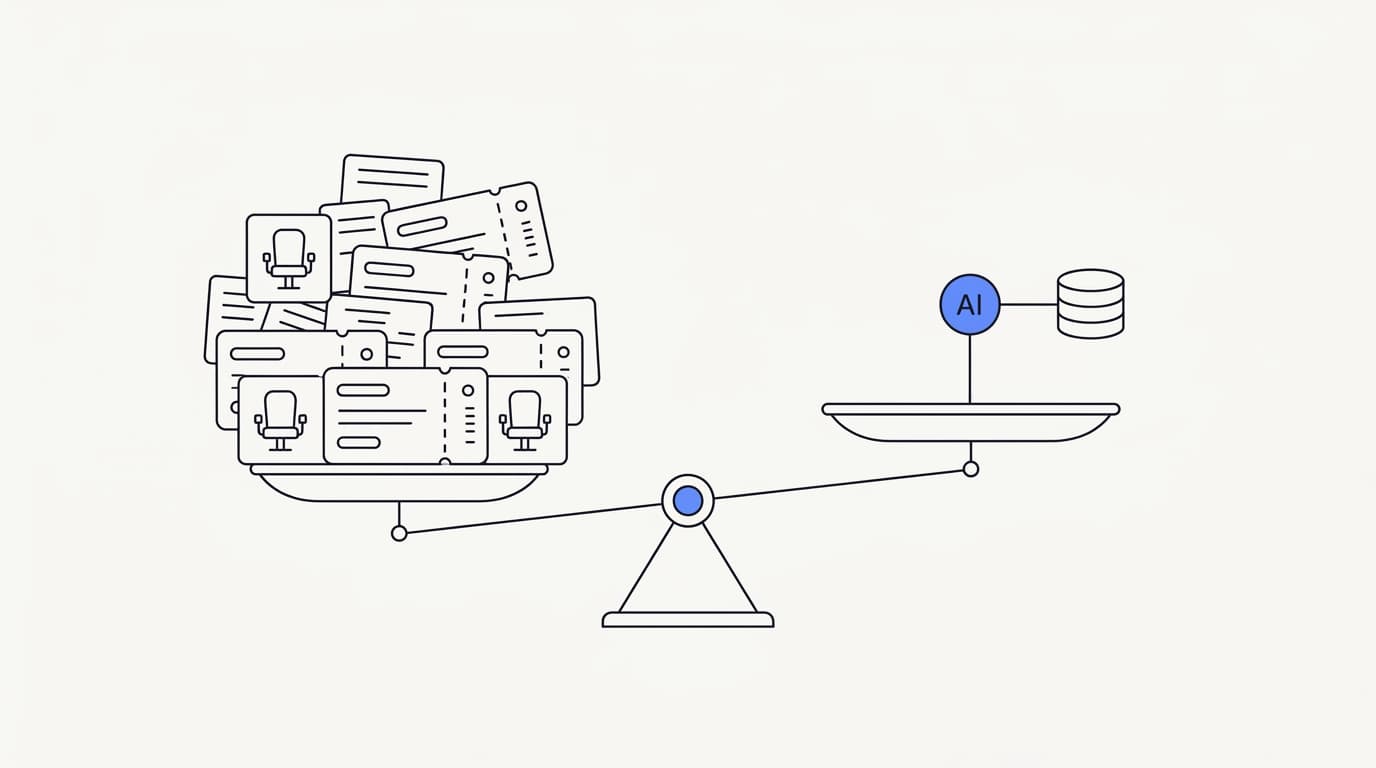
Most teams do not go looking for a Zendesk AI alternative because the product is bad. They go looking because their support model changed and the tool priced for a different one. When AI starts resolving a large share of conversations, paying per human seat and paying again for an AI add-on can feel like paying twice for a shrinking job.
The question that matters is not "what replaces Zendesk." It is which tool fits the way your team actually works now, resolves your real questions, and prices in a way that rewards growth instead of taxing it. Those are checkable properties, and this guide turns them into a comparison you can run on your own support queue.
It is written for the person weighing the move: a support lead, a founder, or an ops owner comparing an established helpdesk suite against an AI-agent-first platform. It covers why teams evaluate the switch, what agent-first actually means, how the pricing shapes differ, where Zendesk stays strong, and how to migrate without asking customers to start over.
Why teams evaluate a Zendesk AI alternative
 Communicate.so
Zendesk built its reputation as a ticketing and helpdesk suite, and for that job it remains one of the most complete tools on the market. The reasons teams start evaluating an alternative are rarely about missing features. They are about fit, cost shape, and where the AI sits in the workflow.
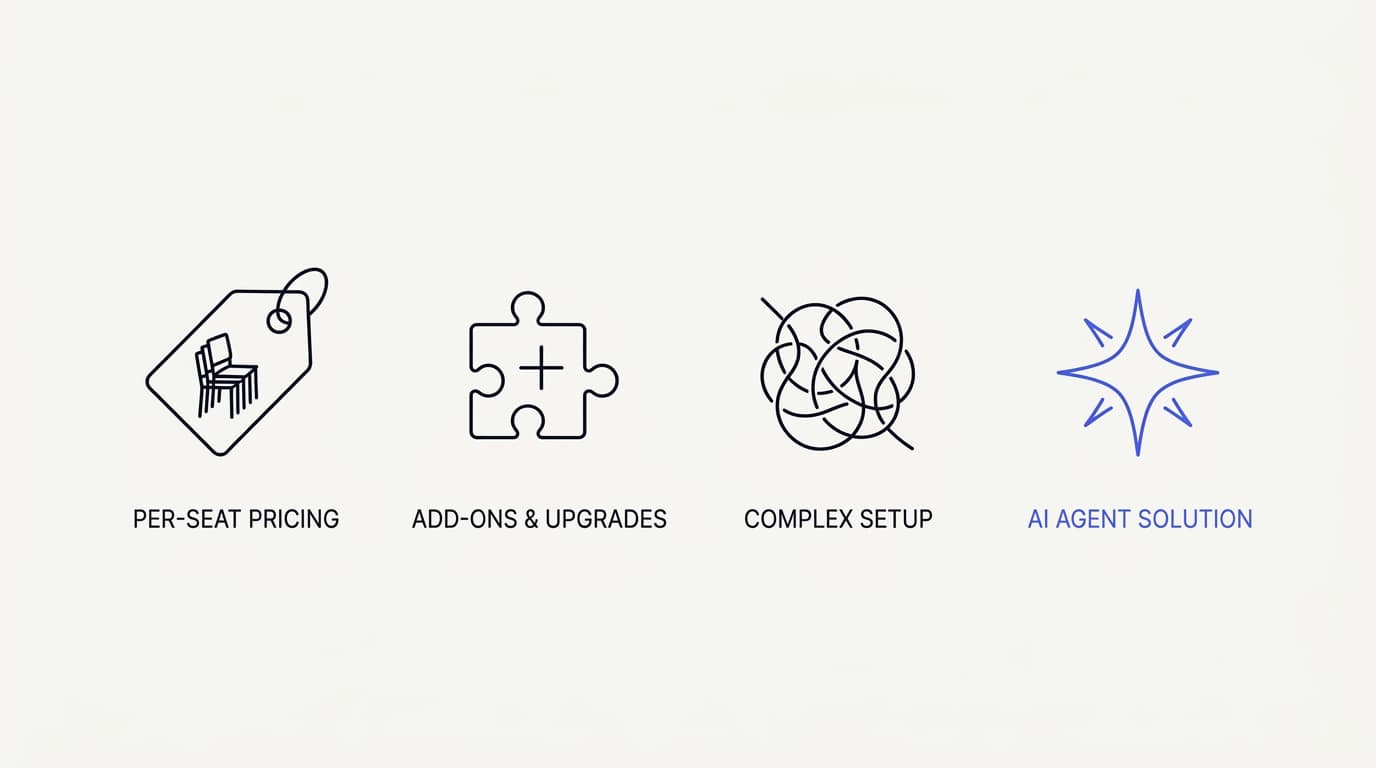
The first driver is pricing shape. Teams often cite per-seat cost and separate AI add-on pricing as the moment the math stops working. When the AI resolves most of the repetitive volume, paying for a full roster of human seats plus an automation surcharge starts to look like a bill sized for the old operating model rather than the new one.
The second driver is complexity. A mature suite carries years of configuration surface, and teams that want a support agent live this week can find the setup path heavier than the job requires. A smaller team without an admin dedicated to the tool feels this most.
The third driver is philosophy. Some teams want AI as a resolution engine that handles the bulk of conversations and escalates the rest, not as an assistant that suggests replies for a human to send. That is a real fork in the road, and it maps directly onto how you should read the AI customer support software category before you shortlist anything.
The backdrop to all three is that AI resolution is no longer speculative. Gartner has projected that by 2029, agentic AI will autonomously resolve 80% of common customer service issues without human intervention (Gartner). If that is where volume is heading, it is reasonable to want a tool built around the agent rather than one where the agent is an add-on.
None of this means Zendesk is the wrong choice. It means the choice is now conditional on your model. A team that lives inside ticketing and wants AI to assist agents will read these drivers differently from a team that wants AI to carry the front line.
What "AI-agent-first" actually means
 Communicate.so
Two products can both claim AI and mean opposite things. An AI add-on bolts a model onto an existing ticketing suite, and it works best when your team already lives in that suite and wants faster replies. An AI-agent-first platform treats the agent as the product and builds the inbox, analytics, and handoff around it, so the default is the AI resolving the conversation rather than drafting for a human.
The distinction shows up in the defaults. In an assist model, a human owns every conversation and the AI offers suggestions. In an agent-first model, the AI owns the first pass on most conversations and a human steps in when the agent should not answer.
Communicate sits on the agent-first side by design. The agent answers from the data sources you connect, using grounded retrieval so it works from your documentation rather than the model's general training. When retrieval returns nothing relevant, the correct behavior is to say so and hand off, not to produce a fluent guess.
The handoff is where agent-first platforms earn or lose trust. Communicate uses presence-based takeover in its Shared Inbox: the moment a human opens a live conversation, the thread locks to human mode and the AI steps back, with a chatTurn backstop so the agent never talks over a person mid-reply. We cover the mechanics in how Shared Inbox keeps AI and humans in sync and the measurement side in AI to human handoff in support.
Agent-first is not automatically better for every team. It is better for teams that want AI to resolve the repetitive majority and free humans for the conversations that need judgment. If your goal is to keep a human on every ticket and simply type less, an assist model inside your existing suite may serve you fine.
| Dimension | AI add-on inside a suite | AI-agent-first platform |
|---|---|---|
| Default owner of a new conversation | Human agent | AI agent |
| AI answers from your own docs | ✓ (varies) | ✓ grounded retrieval |
| Resolves without a human | ✓ (partial) | ✓ by design |
| Human handoff style | Manual assignment | ✓ presence-based takeover |
| Best fit | Teams living in the suite | AI-first resolution at volume |
Cost and pricing: where the models diverge
 Communicate.so
The pricing model matters more than any headline number. Teams evaluating a Zendesk AI alternative most often cite the shape of the bill, not a single figure. Two shapes dominate this comparison, and each rewards a different operating model.
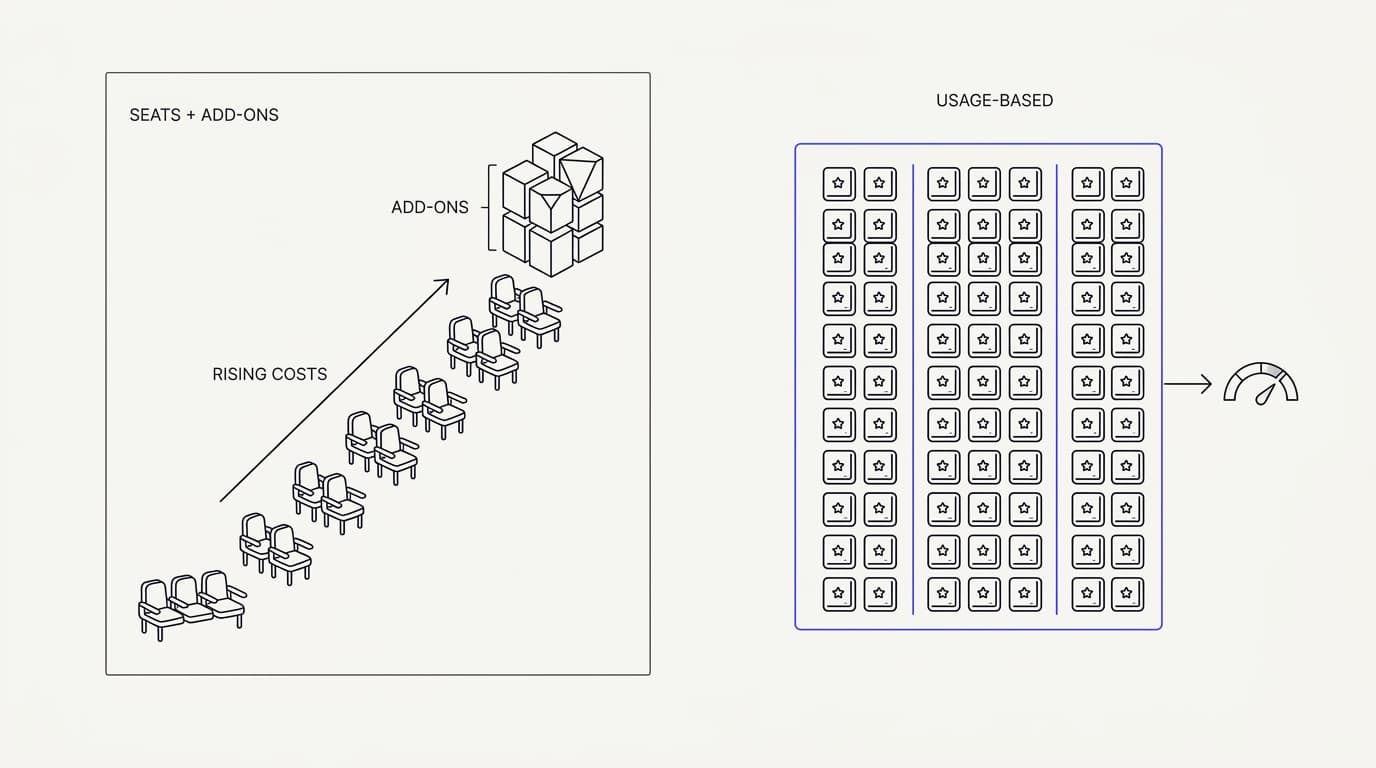
Per-seat pricing charges for human agents, sometimes with a separate AI or automation add-on layered on top. This shape made sense when humans did all the work. It makes less sense when the AI resolves most of the volume, because you keep paying for seats the AI made redundant while also paying for the AI that redundified them.
Credit-based pricing charges for usage in units you buy, so the bill tracks how much work the AI actually does rather than how many humans are on the roster. Communicate uses this shape: a one-time $1 activation that confirms you are a real person and includes 100 test credits, then credit-based usage from there, with no free tier that throttles the moment your traffic becomes real. We wrote the full cost math in what AI customer support actually costs.
Credit-based pricing is not free of trade-offs. It asks you to understand your own volume, because you are buying units rather than a flat seat count. The upside is that a team resolving more with fewer humans stops being penalized for that efficiency.
There is a cost lever most teams miss: the model and caching choices behind the agent. Communicate runs a single model, gpt-4o-mini via OpenRouter, with response and prompt caching switched on, which keeps the per-conversation cost low and predictable. A tool that leaves you guessing at model spend is harder to budget than one that fixes the model and caches aggressively.
Be fair about what you are comparing. Zendesk's per-seat model can be the more economical shape for a team where humans still handle most conversations and AI plays a supporting role. The credit model wins specifically when the AI carries the front line, which is the scenario an agent-first platform is built for.
| Pricing shape | Rewards AI-first resolution | Predictable | Main risk |
|---|---|---|---|
| Per human seat | ✗ | ✓ | You pay for seats the AI made redundant |
| Per seat plus AI add-on | ✗ | ✓ (varies) | You pay twice for a shrinking job |
| Credit-based usage | ✓ | ✓ | Requires knowing your own volume |
| Free tier funnel | ✗ | ✗ | Throttles exactly when traffic gets real |
The criteria that should drive the choice
 Communicate.so
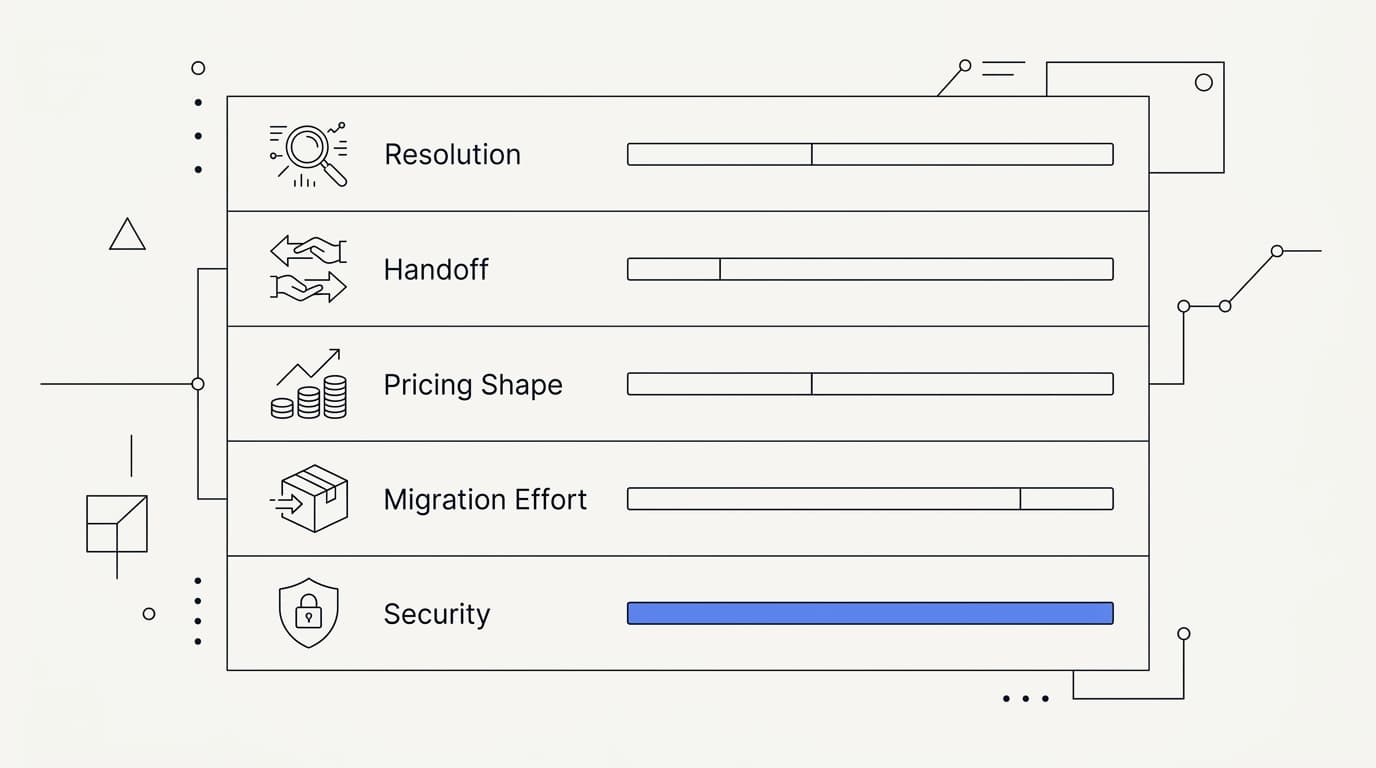
Comparison shopping goes wrong when it turns into a feature checklist, because every mature tool checks most boxes. The useful move is to weight a small set of criteria by what your operation actually needs, then score the candidates on your own material. Below are the criteria that decide this particular switch, expressed as archetypes rather than a fabricated spec sheet.
Resolution, scored on your own tickets. The single most useful test is to run 50 to 100 real questions from your ticket history through each tool and score whether the answer was correct, on-voice, and correctly escalated. Communicate's one-time $1 activation includes 100 test credits for exactly this, so you can spend them on the ugly, half-worded questions real customers send rather than a rehearsed demo.
Handoff quality. A conversation the AI cannot resolve has to reach a human without the customer repeating themselves. Zendesk's own 2024 CX Trends research found that 74% of customers rank having to repeat themselves among their top frustrations (Zendesk), which is a direct argument for a handoff that preserves the full thread rather than one that hands a human a blank slate.
Pricing shape, covered above. Weight it by whether the AI or humans will carry most of the volume a year from now, not today. Migration effort, covered next, because a tool you cannot move to is not a real alternative.
And security posture, weighted far higher if you operate in a regulated space.
Score, do not vibe. Give every candidate the same question set and the same rubric, set your go or no-go bar before you see results, and the shortlist tends to pick itself. A common bar is roughly 90% factual accuracy with zero invented answers on out-of-scope questions.
The five questions that decide the shortlist
- Does it resolve my real questions, scored on my own ticket history rather than a demo?
- When it should not answer, does the handoff preserve the full thread so the customer never repeats themselves?
- Does the pricing shape reward AI-first resolution, or tax me for the seats the AI made redundant?
- Can I migrate my knowledge and conversations without asking customers to start over?
- Can I verify the security and data-handling claims, not just read them?
Where Zendesk is genuinely strong
A fair comparison names the other tool's strengths plainly, because a page that only lists a competitor's weaknesses is the least believable thing in the category. Zendesk is an established, mature suite, and there are real scenarios where staying is the right call.
It is strong when your team already lives in ticketing and wants AI to assist rather than replace. If your agents work inside a queue all day and the goal is faster human replies, an add-on inside the suite you already run has less switching cost than adopting a new agent-first platform.
It is strong on breadth. A long-established suite carries a wide integration ecosystem, deep configuration, and enterprise controls that a younger product will not match line for line. For a large organization with complex routing, tiered teams, and existing investment in that ecosystem, that breadth has real value.
It is strong on certifications and enterprise scale. Larger suites typically carry compliance certifications and single sign-on that a lean, single-region product may not. If a specific standard is a hard requirement for you, weigh that honestly, and read our own security posture with the same scrutiny you would apply to any vendor.
The honest framing is conditional. Zendesk stays strong for teams whose model is human-led ticketing with AI assist, and for large organizations that need its breadth and enterprise controls. An alternative wins specifically when you want AI-first resolution, a simpler surface, and a bill that tracks AI work rather than seat count.
Migrating without starting over
A tool you cannot move to is not an alternative, so migration effort belongs in the evaluation, not after it. The good news is that most of what makes a support agent useful is content you already own: your help center, product docs, and past answers. Point the new agent at those data sources and it starts working from the same knowledge your team already relies on.
The migration-friendly path runs one channel at a time rather than switching everything at once. Start with a website widget, prove the agent resolves your real questions, then extend to more surfaces. This keeps the blast radius small and gives you a rollback point at every step.
Communicate is built for that gradual path. An embeddable widget is the lowest-stakes place to start, because it is the easiest surface to add, test, and remove without touching your existing setup. From there you can add in-app messages for proactive nudges and route email and live chat into the shared inbox.
You do not have to cut over in a day, and you should not. Run the new agent alongside your current tool during the trial, feed it your real questions, and compare resolution before you move any real traffic. The full sequence, including escalation design and what to monitor after go-live, is in our production implementation guide, and a Zendesk-specific walkthrough lives in migrating from Zendesk to an AI agent.
Keep expectations grounded. RAND Corporation's 2025 review of more than 2,400 enterprise AI initiatives found roughly 80% failed to deliver measurable value, and most failures traced to rollout discipline rather than model quality (RAND). A phased migration with real testing at each step is how you land on the right side of that number.
| Migration step | One-day cutover | Phased migration |
|---|---|---|
| Reuses your existing docs as knowledge | ✓ | ✓ |
| Rollback point at every stage | ✗ | ✓ |
| Tests resolution before real traffic | ✗ | ✓ |
| Runs alongside current tool during trial | ✗ | ✓ |
| Blast radius if something breaks | Everything at once | One channel |
Security and data questions to ask
Whatever data you connect for retrieval passes through the software, so the security posture is part of the product, not a footnote. Ask specific questions and expect specific answers. Read the security page before a demo, and treat vague answers as answers.
Ask whether data is encrypted at rest, whether every plan includes two-factor authentication without an enterprise upcharge, and how one workspace's data is isolated from another's. Ask whether you can export and fully delete your data on demand, without filing a support ticket. Ask plainly whether the vendor trains shared models on your conversations, because the honest answer should be no.
Communicate states its posture and its gaps plainly. Data is encrypted at rest, TOTP two-factor authentication is available on every plan, and workspaces are isolated from one another. You get self-serve export and a cascading delete, the setup is GDPR-ready, and Dodo acts as merchant of record so card data stays within a PCI-compliant boundary rather than your own.
The gaps deserve equal honesty. Communicate is GDPR-ready but not certified, it does not hold SOC 2, HIPAA, or ISO 27001, it runs in a single region on Railway hosting, and it does not offer single sign-on. If any of those is a hard requirement, especially a certification your compliance team mandates, weigh it before you invest in evaluation.
A vendor that names its gaps is easier to trust on the claims it does make than one that implies a certification it cannot produce.
Key takeaways
- Teams evaluate a Zendesk AI alternative because of pricing shape and fit, not missing features. Per-seat plus AI add-on cost is the most cited trigger.
- AI-agent-first means the AI owns the first pass on most conversations and a human steps in when it should not answer, the opposite default from an assist add-on.
- Credit-based pricing rewards AI-first resolution; per-seat pricing rewards a human-led model. Weight the shape by who carries volume a year from now.
- Zendesk stays genuinely strong for human-led ticketing with AI assist and for large teams needing breadth, certifications, and single sign-on.
- Migrate in phases, reuse your existing docs, and test resolution on your own tickets before moving real traffic. Verify security claims rather than reading them.
Ready to test a Zendesk AI alternative on your own material? Start with a one-dollar account activation that includes 100 test credits, feed the agent your real support questions, and score the answers before you commit. If you are earlier in the journey, the guide to launching your first AI agent and the AI Agents overview are the right next reads, and cutting first response time shows what changes once the agent is live.
Frequently asked questions
What is a Zendesk AI alternative?
A Zendesk AI alternative is any customer support tool a team evaluates in place of Zendesk's AI, usually because they want AI to resolve most conversations rather than assist human agents inside a ticketing suite. The strongest alternatives are agent-first platforms that build the inbox, analytics, and handoff around the AI rather than bolting a model onto existing ticketing software.
Why do teams look for a Zendesk AI alternative?
Teams most often cite pricing shape and fit rather than missing features. Per-seat cost plus a separate AI add-on can feel like paying twice once the AI resolves most of the volume, and a mature suite's setup surface can be heavier than a small team needs. Some teams also want AI as a resolution engine, not an assistant that only suggests replies.
Is Communicate a full Zendesk replacement?
It depends on your model. Communicate is a strong replacement for teams that want AI-first resolution with a simpler surface and credit-based pricing. It is not a like-for-like match for every enterprise ticketing feature, single sign-on, or certification a large suite carries, so read the security page and weigh your requirements honestly.
What does AI-agent-first mean?
AI-agent-first means the AI owns the first pass on most conversations and a human steps in when the agent should not answer, which is the opposite default from an assist add-on where a human owns every ticket. Communicate's AI agents answer from your connected documents and hand off when retrieval returns nothing relevant.
How is credit-based pricing different from per-seat pricing?
Per-seat pricing charges for human agents, sometimes with an AI add-on on top, so the bill tracks headcount. Credit-based pricing charges for usage in units you buy, so the bill tracks how much work the AI does. Communicate uses a one-time $1 activation with 100 test credits, then credit-based usage.
Will I pay more as my team grows?
Under per-seat pricing, adding humans adds cost even when the AI is resolving most conversations. Under credit-based pricing, the bill tracks AI usage rather than seat count, so a team resolving more with fewer humans is not penalized for that efficiency. The trade-off is that credit pricing asks you to understand your own volume.
Is Zendesk still a good choice for some teams?
Yes. Zendesk stays genuinely strong for teams whose model is human-led ticketing with AI assist, and for large organizations that need its integration breadth, deep configuration, certifications, and single sign-on. The alternative wins specifically when you want AI-first resolution, a simpler surface, and a bill that tracks AI work rather than seat count.
How hard is it to migrate from Zendesk?
Most of what makes a support agent useful is content you already own, so migration starts by pointing the new agent at your existing data sources. The migration-friendly path runs one channel at a time, starting with a website widget, so you always have a rollback point. A Zendesk-specific walkthrough is in migrating from Zendesk to an AI agent.
Do I lose my ticket history when I migrate?
Your knowledge base, help center, and documentation carry over directly, because you point the new agent at them as data sources. Historical ticket records live in your current system, and a phased migration lets you keep that tool running alongside the new agent during the trial, so nothing is deleted before you are ready to move.
Can I run Communicate alongside Zendesk during a trial?
Yes, and you should. Running the new agent alongside your current tool lets you feed it real questions and compare resolution before moving any real traffic. Starting with a single low-stakes channel, like a website widget, keeps the trial contained and reversible.
Does Communicate have a shared inbox?
Yes. The Shared Inbox brings email, live chat, and the AI agent into one place, with presence-based human takeover so a thread locks to human mode the moment an agent opens it. A chatTurn backstop keeps the AI from talking over a person mid-reply.
How does human handoff work?
Communicate uses presence-based takeover: when a support agent opens a live conversation, it locks to human mode automatically and the AI steps back, with the full transcript visible to whoever owns the thread. This preserves context so the customer never repeats themselves. The mechanics are in how Shared Inbox keeps AI and humans in sync.
What channels does Communicate support?
One agent serves a website widget, email and live chat through the shared inbox, and in-app messages for proactive nudges, all from the same knowledge base. Starting with an embeddable widget is the lowest-stakes way to go live before extending to other surfaces.
Does Communicate have analytics like Zendesk?
Communicate provides analytics on your real conversations, including resolution, escalation, and response time, so you can find the knowledge gaps the agent is failing on. It focuses on the metrics that map to AI-first resolution rather than a broad enterprise reporting suite, so compare it against what you actually use rather than feature count.
What model powers the AI agent?
Communicate runs a single model, gpt-4o-mini via OpenRouter, with response and prompt caching switched on. Fixing the model and caching aggressively keeps per-conversation cost low and predictable, which is easier to budget than a tool that leaves model spend open-ended.
Is there a free tier?
No. Communicate uses a one-time $1 activation that confirms you are a real person and includes 100 test credits, then credit-based usage from there. There is deliberately no free tier that throttles the moment your traffic becomes real, which is a customer-acquisition tactic rather than a pricing model.
How do I test the AI before going live?
Pull 50 to 100 real questions from your ticket history and run them through the agent, scoring each answer on accuracy, brand voice, and correct escalation. Communicate's $1 activation includes 100 test credits for exactly this, so you can spend them on the ugly, half-worded questions real customers send rather than a rehearsed demo.
Is Communicate SOC 2 or HIPAA certified?
No. Communicate does not hold SOC 2, HIPAA, or ISO 27001, and it is GDPR-ready rather than certified. If a specific certification is a hard requirement for your compliance team, weigh that before you invest in evaluation.
The full posture and its gaps are stated plainly on the security page.
How is my data protected?
Data is encrypted at rest, TOTP two-factor authentication is available on every plan, and workspaces are isolated from one another. You get self-serve export and a cascading delete, and Dodo acts as merchant of record so card data stays within a PCI-compliant boundary. The current limits, single region and no single sign-on, are listed on the security page.
How do I get started with a Zendesk AI alternative?
Start with a one-time $1 account activation that includes 100 test credits, point the agent at your existing docs, and run your real support questions through it before moving any traffic. Add one channel at a time, beginning with an embeddable widget, and read the production implementation guide for the full rollout sequence.